
Managing Multiple Job Sites: How to Fix Crew Scheduling Chaos
Running three or four job sites on spreadsheets and group texts means crews show up at the wrong place. Here's how to manage crew schedules across every site and push every change straight to your workers' phones.
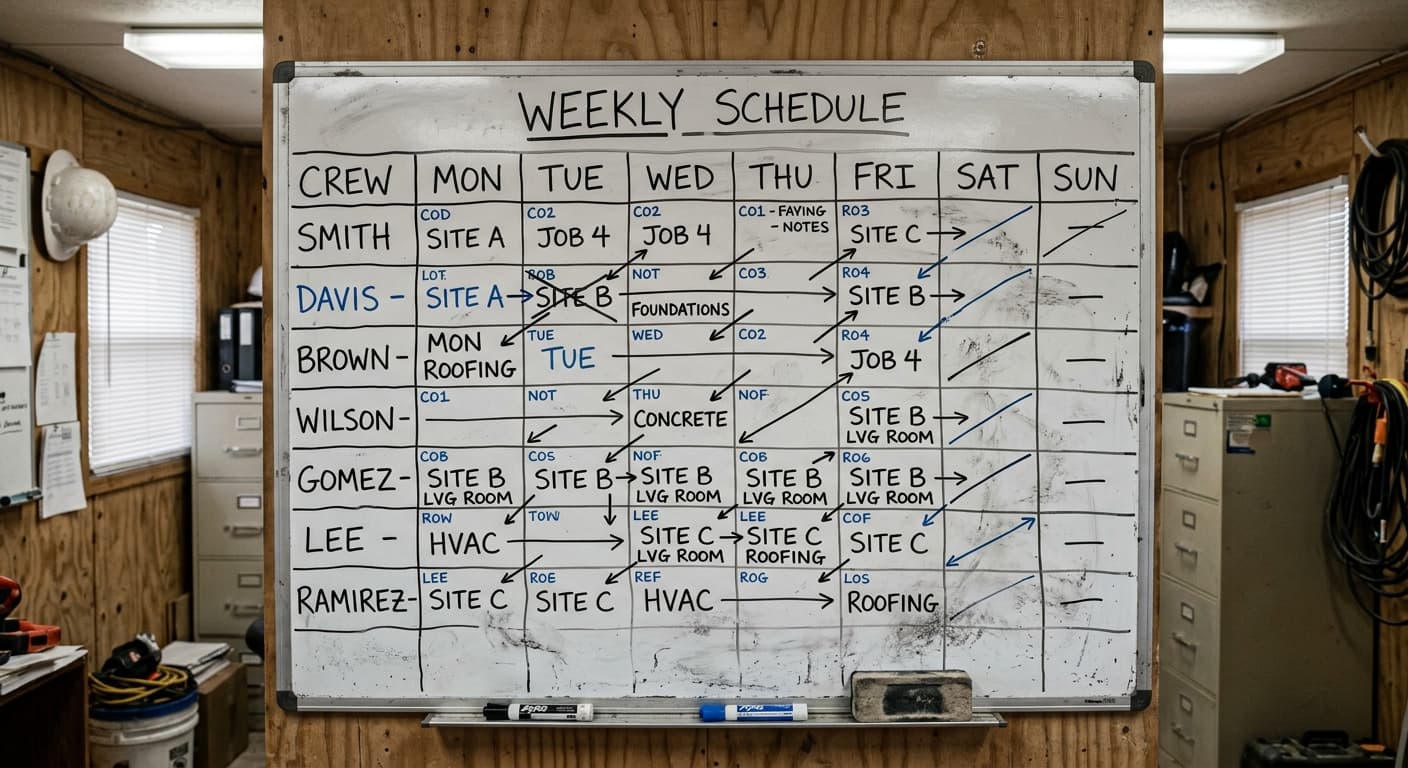
One site is manageable. Three or four at once is where things fall apart.
When you've got a single project running, scheduling is simple. You know who's going where, and so does your crew. But the moment you're running three or four active sites with shared workers moving between them, that simplicity disappears fast.
The "scheduling system" at most construction companies is some combination of a whiteboard in the office, a spreadsheet on someone's laptop, and a group text thread that's already buried under memes and supply run requests by Tuesday. It works until it doesn't. And it stops working right around the time you actually need it most: when you're busy.
The problem isn't that people don't care about getting schedules right. The problem is that spreadsheets and text threads weren't designed for this, and they break down the moment things get complicated.
The Monday morning scramble
You know this one. It's 6:45 AM and your phone is already going off. "Hey boss, am I at the Riverside site or the downtown job today?" Then a text from your foreman: "I've got six guys here but I was expecting eight." Then another call from a worker who drove to last week's site because nobody told him the schedule changed on Friday afternoon.
By the time you've sorted it all out, you've burned 30 to 45 minutes on the phone, and your crews have lost their first productive hour of the day. Multiply that across a few sites and a few days a week, and you're looking at real money walking out the door.
This isn't a people problem. Your workers want to be at the right place. They just don't have a reliable way to know where that is.
Mid-week changes are where spreadsheets completely break
Here's where it really falls apart. A concrete pour gets pushed to Thursday. You need to pull a crew from Site A and move them to Site B on Wednesday. Or a client calls and wants to accelerate a timeline, so you need to shuffle three crews around for the rest of the week.
You open the spreadsheet. You make the changes. Great, it's updated.
Now what?
Who actually sees that updated spreadsheet? Your office admin, probably. Maybe your foreman if he checks his email. But the six workers on that crew? They're on a roof somewhere with no idea the plan changed. So you start calling. Or texting. One by one. And someone always gets missed. Always.
The spreadsheet becomes a record of what you wanted to happen, not what actually happened. And by Friday, you're not even sure which version is current.
What scheduling actually needs to do
Let's strip this down to what matters. A scheduling tool for construction crews needs to do four things:
- Assign workers to specific job sites by day or by week. Not "the crew" as a blob, but actual people to actual sites.
- Show you the full picture across all your sites at once. You need to see who's where, who's available, and where you have gaps. One view, not five tabs in a spreadsheet.
- Handle changes fast. When plans shift mid-week, you need to move people around in seconds, not spend 20 minutes rebuilding a spreadsheet.
- Make sure the crew actually gets the update. This is the one that spreadsheets will never solve. If the worker doesn't see the change, the change didn't happen.
That's it. Not complicated in concept, but nearly impossible with the tools most companies are using today.
See your schedule by site or by worker
WorkxPro's crew scheduling gives you two ways to look at your schedule, and you can switch between them instantly.
View by job site: Pick a site and see exactly who's assigned there each day. This is the view you want when a client asks "how many guys do I have on my project this week?"
View by employee: Pick a worker and see their full week across all sites. This is how you spot conflicts, double-bookings, or that one guy who accidentally got left off the schedule entirely.
Drag and drop workers between sites and days. Build out the week, review it, and publish when you're ready. Or save it as a draft if you're still working out the details.
Stop rebuilding the same schedule every week
If you've got a framing crew that goes to the same site every Monday through Thursday, you shouldn't have to re-enter that every single week. Set it as a recurring job and it populates automatically.
Got a standard crew configuration you use on residential jobs? Save it as a template. Next time you start a similar project, load the template and adjust instead of building from scratch.
These are small things, but they add up. The 15 minutes you spend rebuilding last week's schedule every Monday is 15 minutes you could spend on something that actually moves a project forward.
Push notifications close the loop
This is the part that makes everything else work. When you publish a schedule or make a mid-week change, every affected worker gets a push notification on their phone. Not a text you have to send manually. Not an email they'll check tomorrow. A notification that pops up and tells them exactly where they need to be.
No more Monday morning phone calls. No more "I didn't know the schedule changed." No more workers driving to the wrong site.
The schedule goes from being a document that sits on your desk to a living plan that everyone on your team can see and act on.
The real cost of scheduling chaos
It's easy to write off scheduling headaches as "just part of the job." But add it up. A crew of six workers showing up 30 minutes late because of a miscommunication costs you three person-hours of productivity. Do that twice a week across a couple of sites, and you're losing 20 or more billable hours a month.
That's before you count the time your office staff spends making phone calls, updating spreadsheets, and answering "where am I supposed to be?" texts.
The companies that figure out scheduling aren't doing anything fancy. They just stopped using tools that were never meant for the job and switched to something built for how construction crews actually work.
Build your first week's schedule in minutes
WorkxPro's crew scheduling is part of a complete construction crew management platform that includes time tracking, equipment logging, task management, and payroll export. But you don't have to use everything on day one. Start with scheduling, see how it works for your crew, and go from there.
Start your free 14-day trial. No credit card required. Head to getworkxpro.com and build your first week's schedule today.