
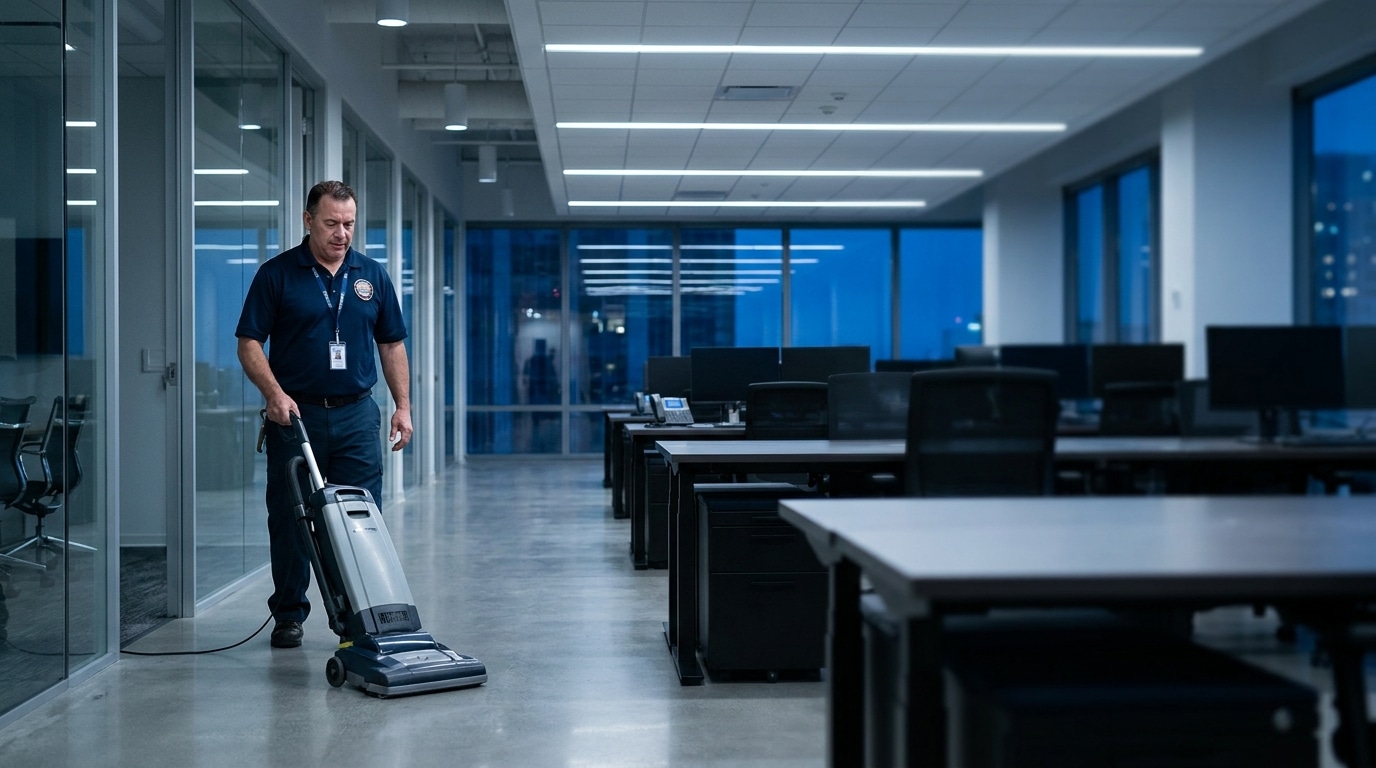
Know your crews showed up before the client does.
Cleaners clock in at the building with GPS. If someone's a no-show, you get a text and an email about 15 minutes after the missed start, not a complaint from the client the next morning.


You find out about a missed clean when the client does.
Night shifts, scattered buildings, no supervisor on site. By the time a building gets skipped, the first you hear of it is an angry call. WorkxPro closes that gap.
Clock-ins tied to the building
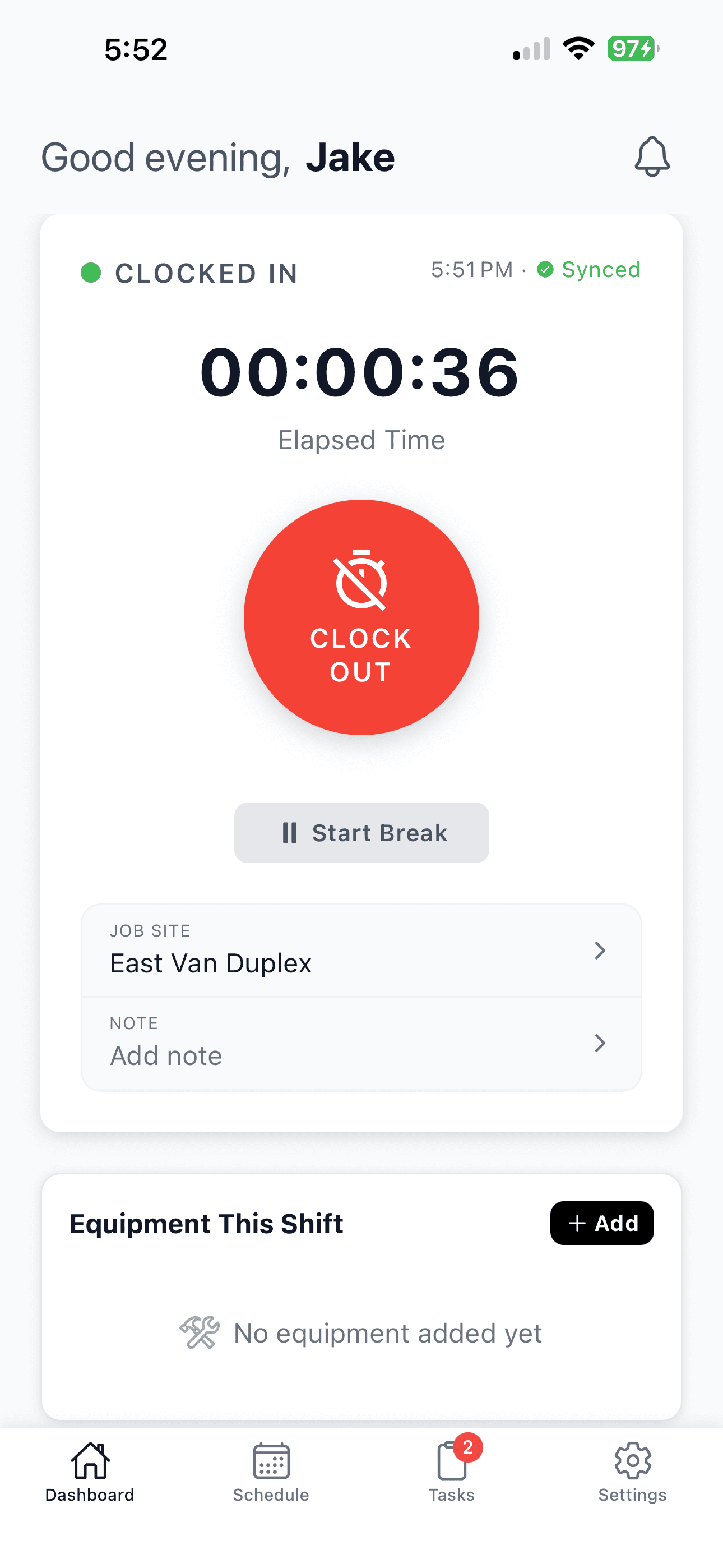
Cleaners tap the client site and clock in. GPS confirms they’re actually there, not three blocks away clocking in for a building they never entered.
No-show alerts to your phone
Nobody clocked in 15 minutes after the shift starts? You get a text and an email naming the cleaner, the building, and the time. You’re fixing it tonight, not explaining it tomorrow.
A live view of who's on site
Open the dashboard and see tonight’s schedule at a glance: who’s clocked in, who’s running late, who’s a no-show. One screen, the whole operation.
No false alarms from dead zones
A cleaner who was on time but stuck on basement Wi-Fi won’t trigger a panic. When their phone syncs, WorkxPro sees they were on time and stays quiet. You only hear about real misses.
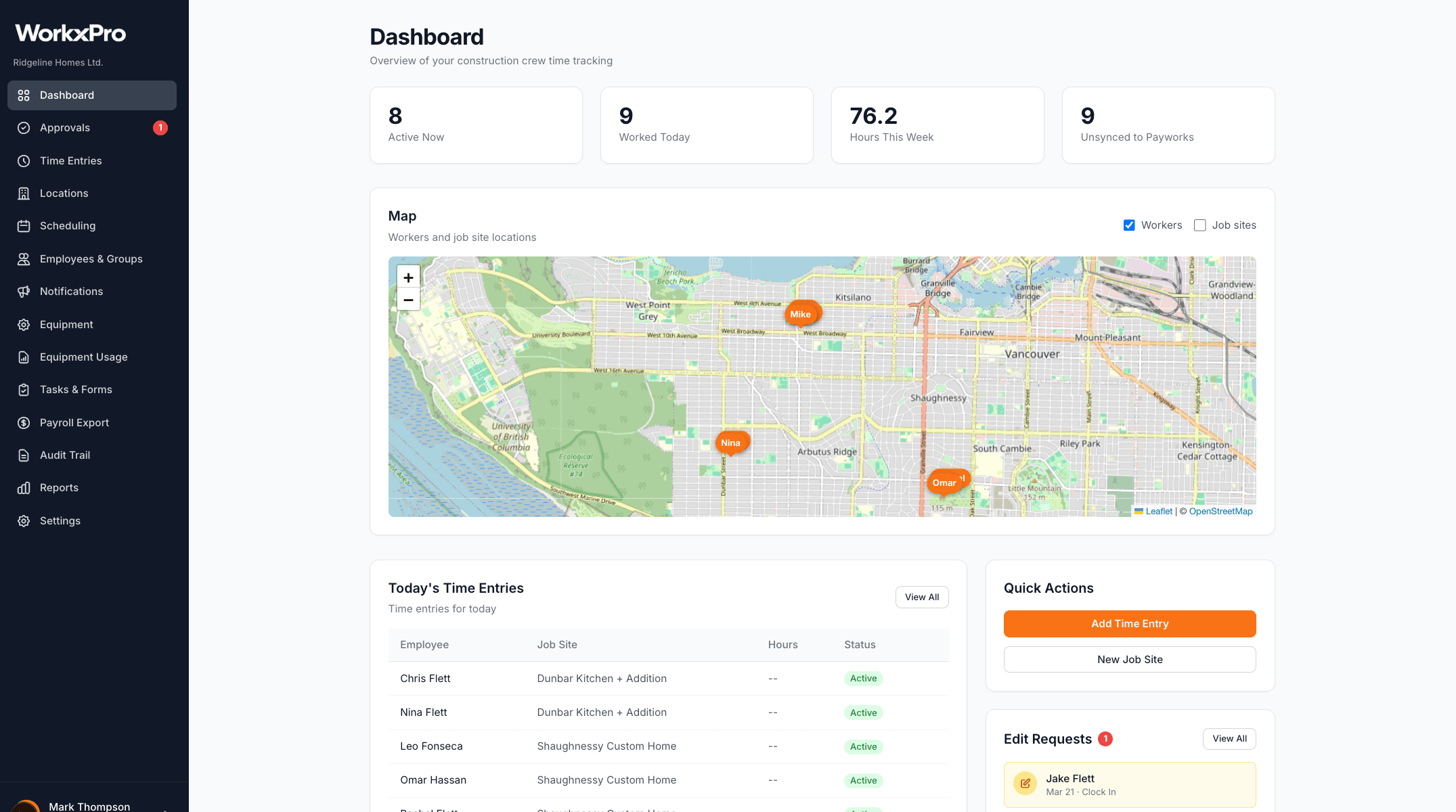
Two screens that run a cleaning company.
Time tracking that ties every hour to a client building. Scheduling your crew can actually read. That's the product, not forty tabs you'll never open.
Proof of who was on site, every shift.
- Cleaners tap the building and clock in. GPS confirms they’re there.
- Every hour tags to the right client, so payroll and client records line up without rework.
- Photos and notes attach to the shift on their own, so the record’s there before you ask.
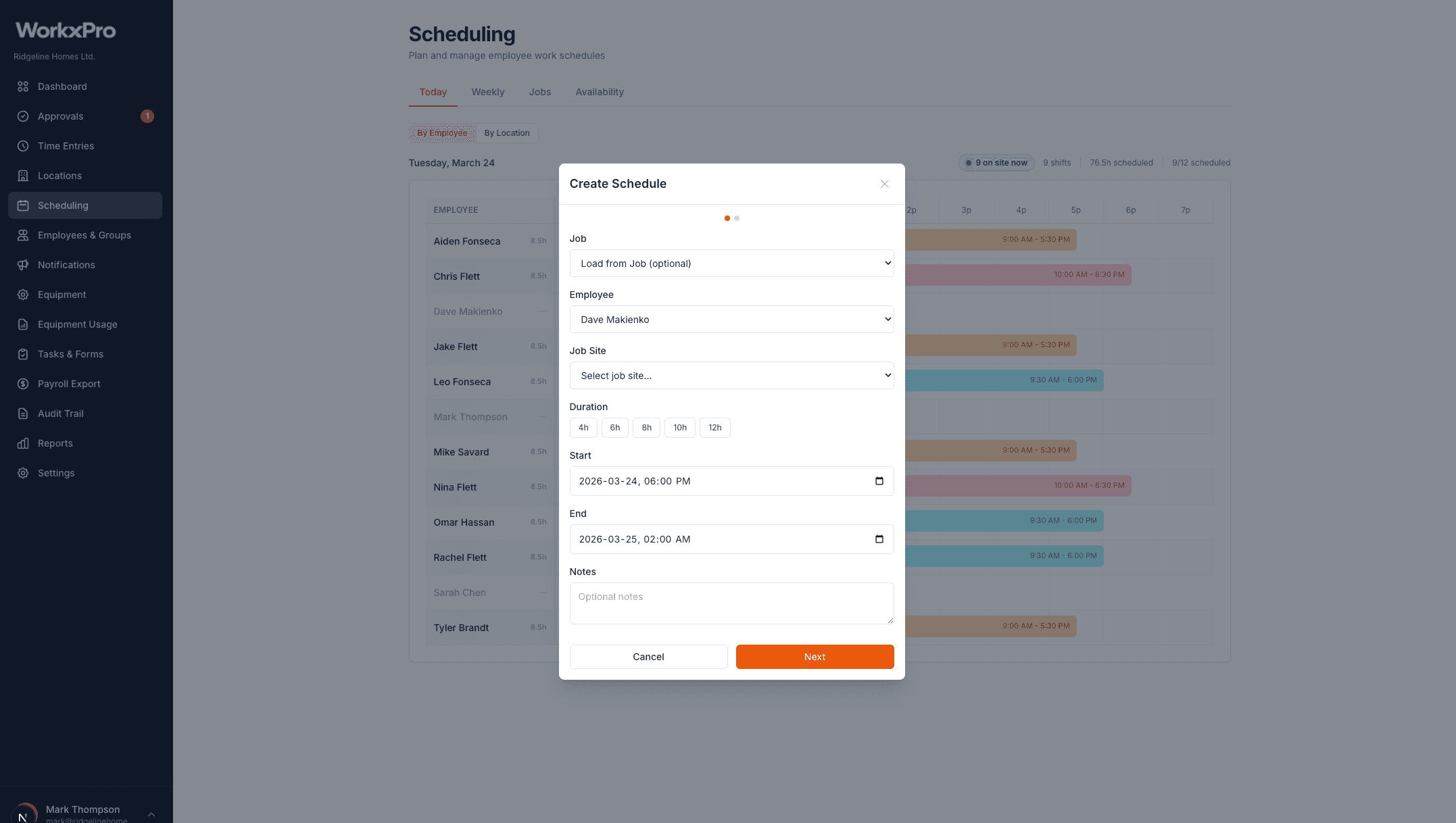
The recurring schedule your crews run on.
- Drag and drop cleaners onto buildings for the week.
- Recurring jobs and templates build the regular cleans for you.
- The schedule pushes to every phone, with a pre-shift reminder and open shifts for call-outs.
Set up in an afternoon. Run from your phone.
Add your buildings and your crew
Import client locations or add them as you go. Invite cleaners by phone or email, and they’re on the app in minutes.
Build the week
Drag and drop cleaners onto buildings. Use templates for the recurring cleans, then publish to every phone at once.
Cleaners clock in on site
GPS confirms the building. Breaks and multi-site segments track on their own. No-show? You get the alert.
Review and approve
A week of timesheets on one screen, every hour tied to a client. Approve, and the hours push straight to payroll.
Built for how cleaning crews actually work.
Time tracking and scheduling are the foundation. These are the details that make a scattered, after-hours operation feel like it's under control.
Works offline
Basement clients, underground parkades, dead zones. Clock-ins are captured on the phone and sync the moment service comes back.
Proof of clean, captured
Before and after photos attach to the GPS-tagged, timestamped shift. When a client questions a clean, you’ve got the receipts on file.
Custom checklists
Build a checklist for each service type and require photos and a signature before a cleaner can close the shift. Nothing skipped, nothing assumed.
Breaks and multi-site shifts
Track paid and unpaid breaks. Split one shift across several buildings in a single tap, with hours tied to each client.
Quiet geofence reminders
Proximity reminders fire only for the buildings on tonight’s schedule, not every site a cleaner happens to drive past. No reminder spam across 50+ locations.
Payroll export
Approved hours push to your payroll provider in one click. No copy-paste, no reconciling spreadsheets at midnight.
Priced per cleaner. Not per feature.
No base fee, no per-module upsells. Pick the tier that fits your team and switch anytime.
Starter
$8/cleaner/mo
GPS time tracking, client buildings, geofencing, and equipment logs.
Professional
Most popular$14/cleaner/mo
Everything in Starter plus scheduling, no-show alerts, custom checklists, multi-site segments, and payroll export. Most cleaning companies start here.
Enterprise
Custom
For larger operations. Dedicated support and custom feature access.
Questions cleaning owners ask first.
My cleaners aren't tech people. Will they actually use this?
The app is one screen for them: tap the building, tap clock in. Most crews have it down in a single shift, and new hires pick it up on day one.
How do the no-show alerts actually work?
If a scheduled cleaner hasn’t clocked in about 15 minutes after their shift starts, WorkxPro texts and emails whoever you choose, with the cleaner’s name, the building, and the time. You set the cutoff and who gets the alert. If they were on time but offline, no alert fires.
What about cleaners without a smartphone?
Most cleaners have one, but a supervisor can clock the crew in from a single phone. You decide how each team works.
My team is 1099 contractors, not employees. Does that matter?
No. WorkxPro tracks hours for anyone you assign: cleaners, contractors, supervisors, same setup.
How is this different from a free time clock app?
Free apps track time. WorkxPro ties every hour to a client building with GPS, alerts you the moment a cleaner doesn’t show, runs your weekly schedule, and pushes to payroll. One system instead of three.
Can I try it before paying?
Yes. 14 days, full features, no credit card. Most owners are set up the same afternoon.
Running the numbers on a cleaning crew.
Practical guides on tracking hours, catching no-shows, and proving the work for commercial cleaning and janitorial teams.
Janitorial time tracking
How to know your crews showed up, building by building.
Read more →
Tracking your cleaning crew's hours
The methods owners try, where each breaks, and how to set it up right.
Read more →
GPS time tracking for cleaners
Proof your crews showed up, without tracking them all night.
Read more →
Get your cleaning company set up this afternoon.
Add your buildings, add your crew, send the first schedule. By tonight you’ll know who showed up. The 14 days are on us.
No credit card required.
See how WorkxPro fits the way you work.
Construction Companies
Track hours across job sites and cost codes
Learn more →
Field Service Businesses
Quotes, scheduling, and invoicing in one app
Learn more →
Foremen & Supervisors
Approve hours and watch crews from your phone
Learn more →
Payroll Admins
Clean digital timesheets straight to payroll
Learn more →