

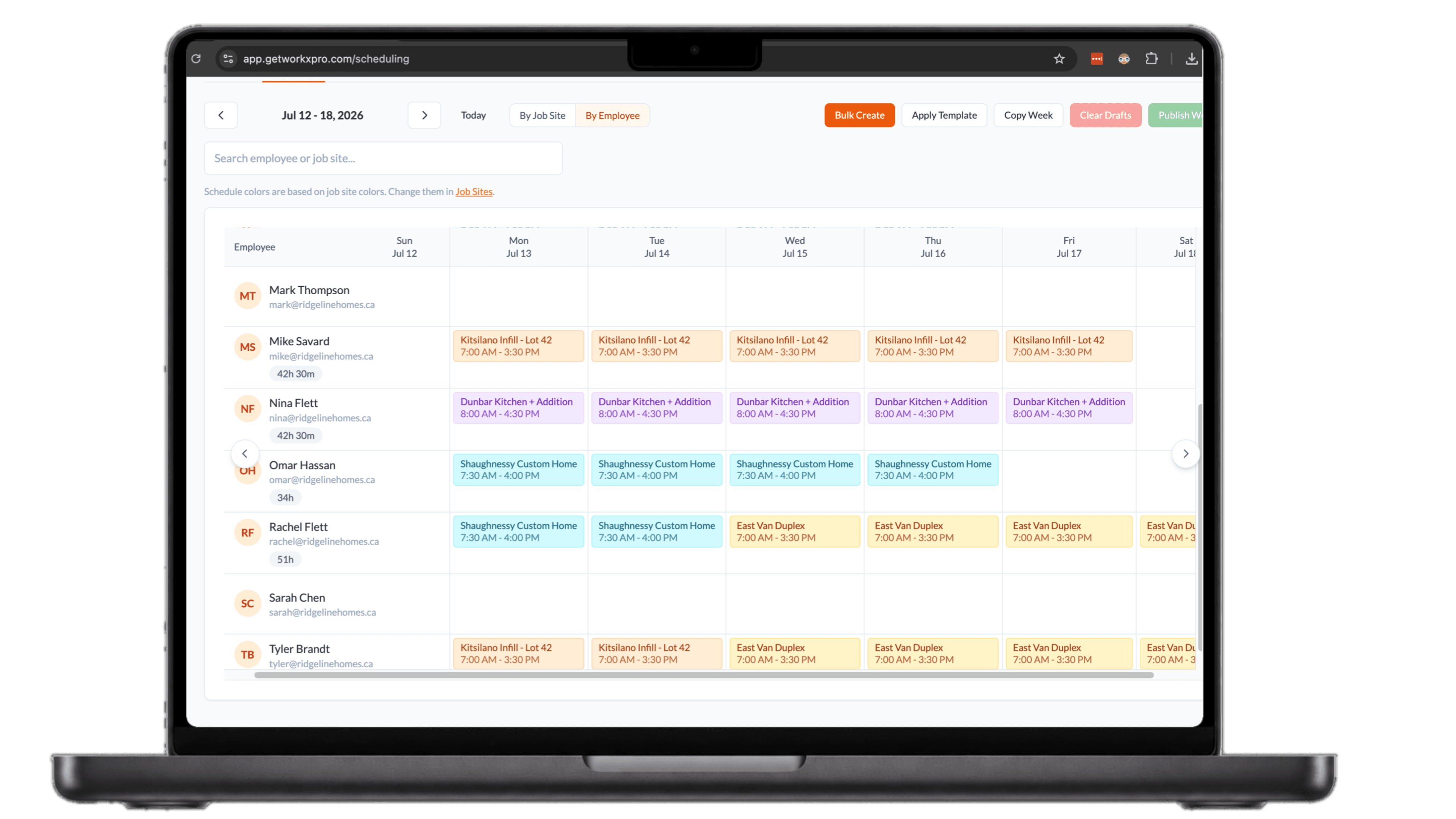
Build the week once, the whole crew sees it.
- Assign crews to job sites in a few clicks
- Publish and every worker’s phone updates instantly
- Change one shift and the right people get notified
Your schedule shouldn't live in your head.
Every morning starts with the same phone calls
Workers text and call before 7 AM because nobody knows their assignment. You become the single point of failure for information everyone should already have.
One sick day means ten phone calls
A single change cascades into a chain of calls, texts, and confusion. By the time everyone knows the new plan, an hour is gone and the crew is standing around.
No record of who was supposed to be where
When something goes wrong on site, you cannot prove who was assigned. Schedules live in your head, on a whiteboard, or in a text thread nobody can find.
Workers know where they are going before they leave home
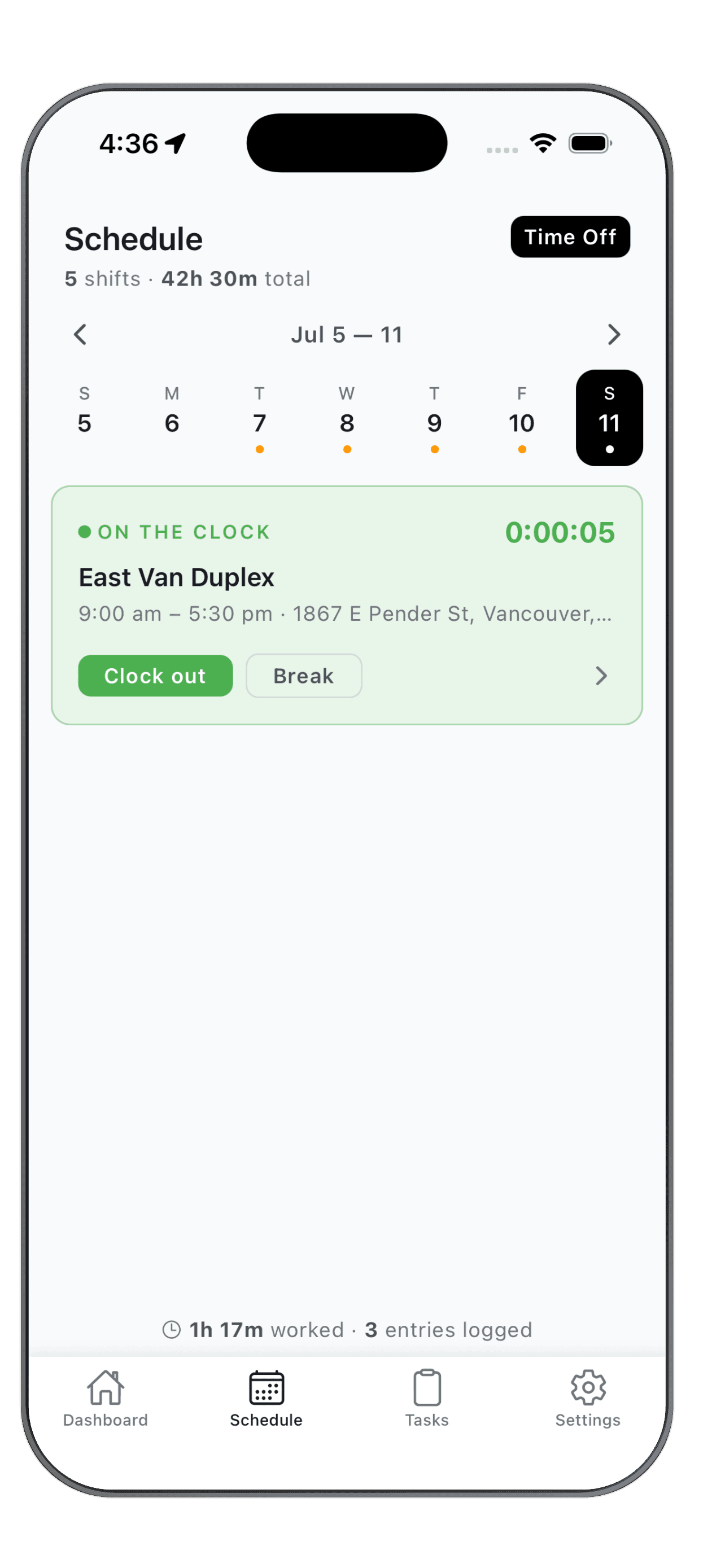
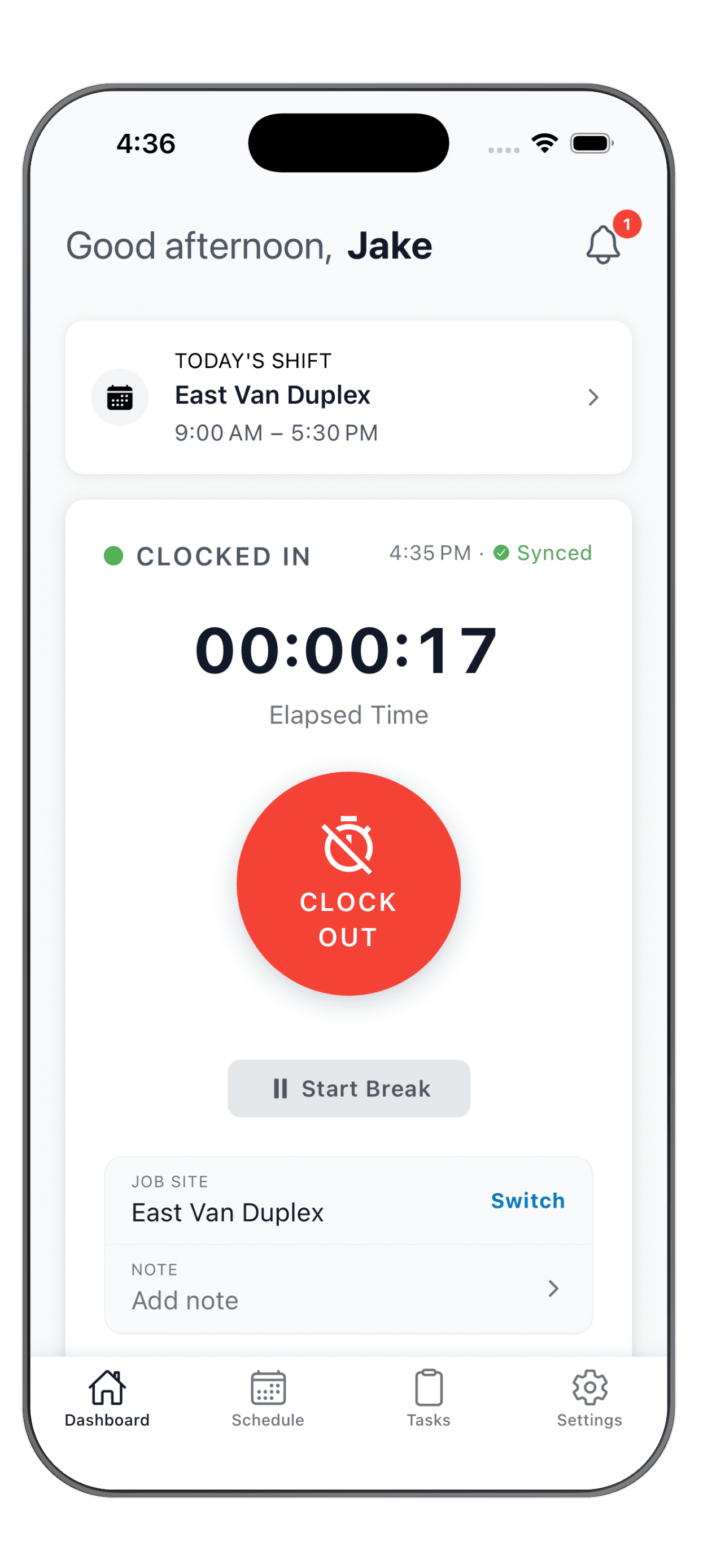
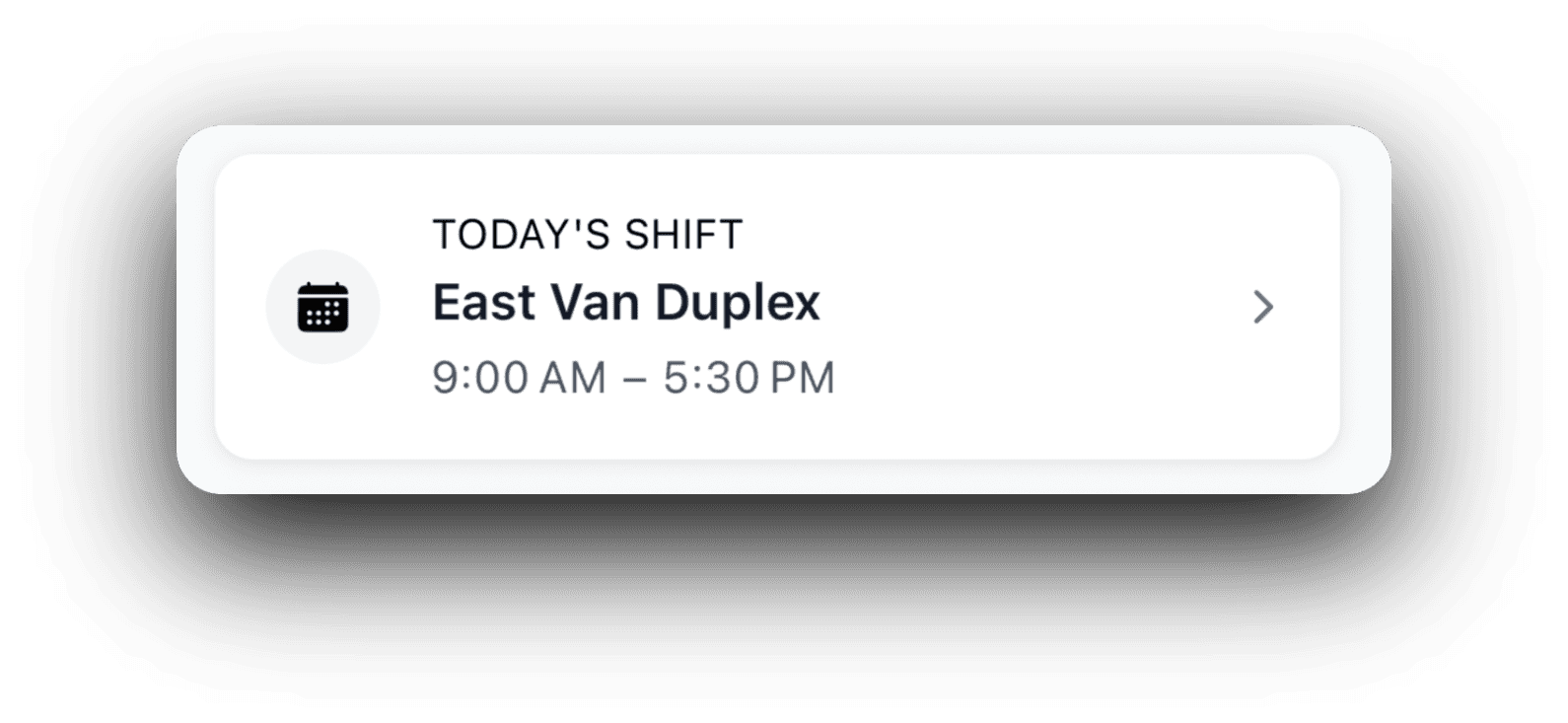
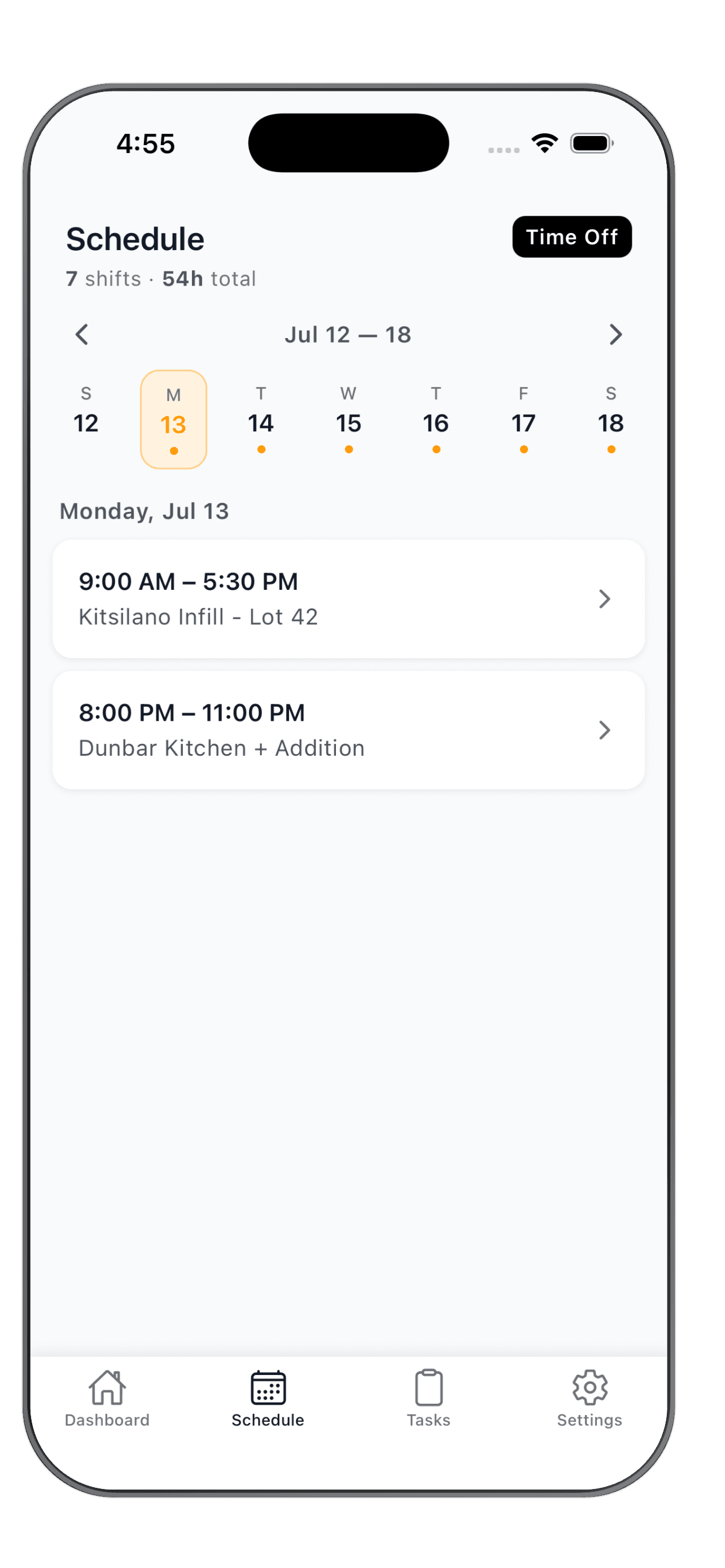
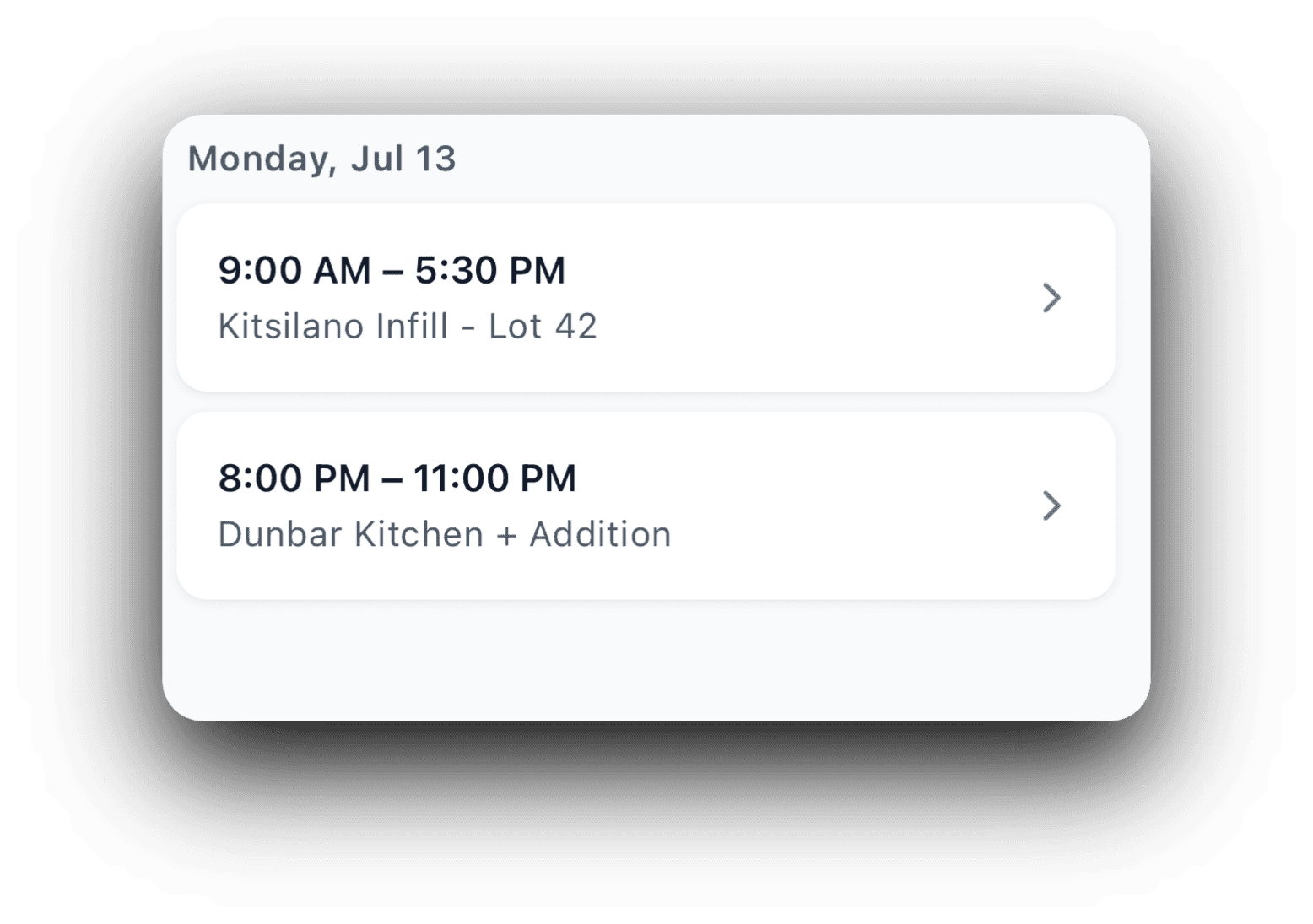
Today's shift sits right on the home screen with the job site and times. The full week lives in the Schedule tab, so the crew can check tomorrow, next Friday, or the whole run without a single phone call.
Sent isn't the same as seen
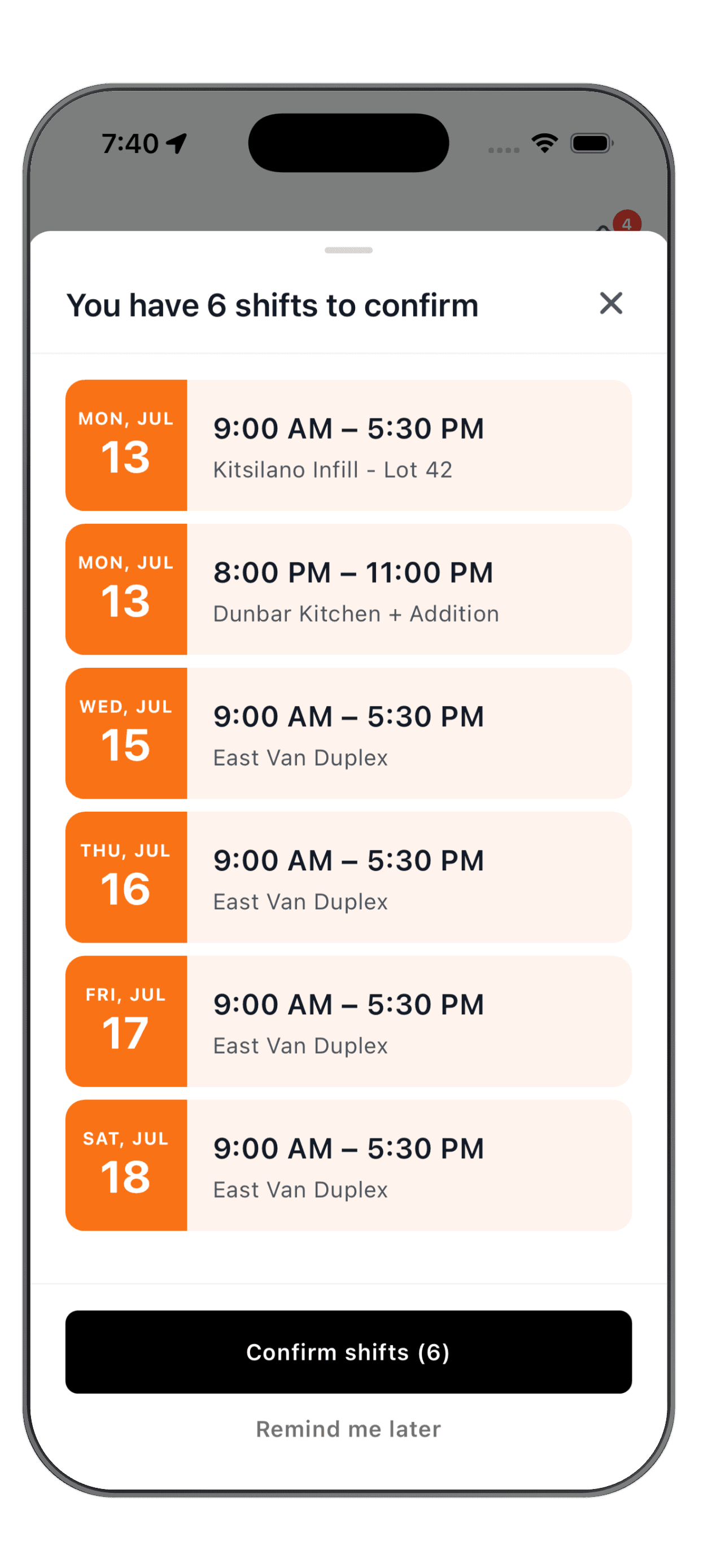
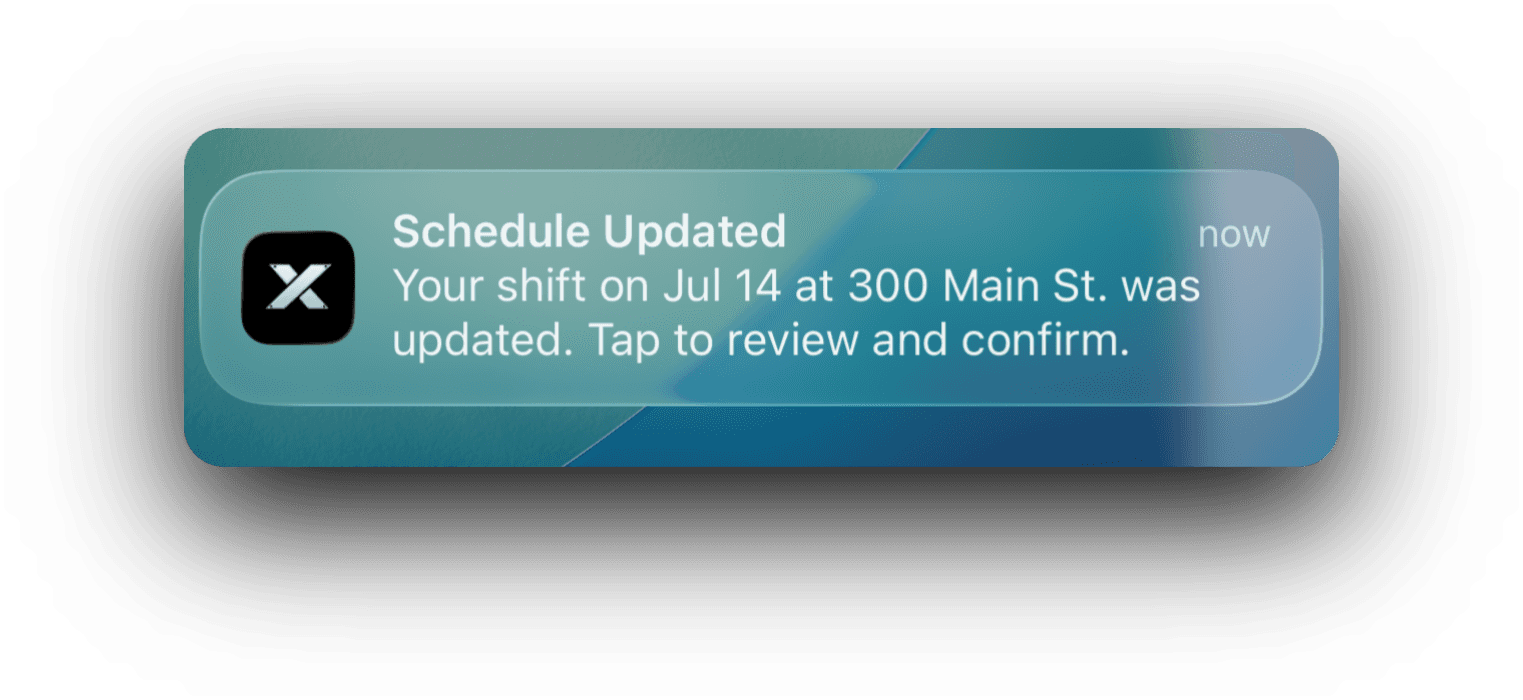
Turn on schedule confirmation and every worker gets a prompt to review and confirm their shifts. You can see who has confirmed and who has not, so nobody shows up on Monday claiming they never knew they were on.
See who is on which site, right now
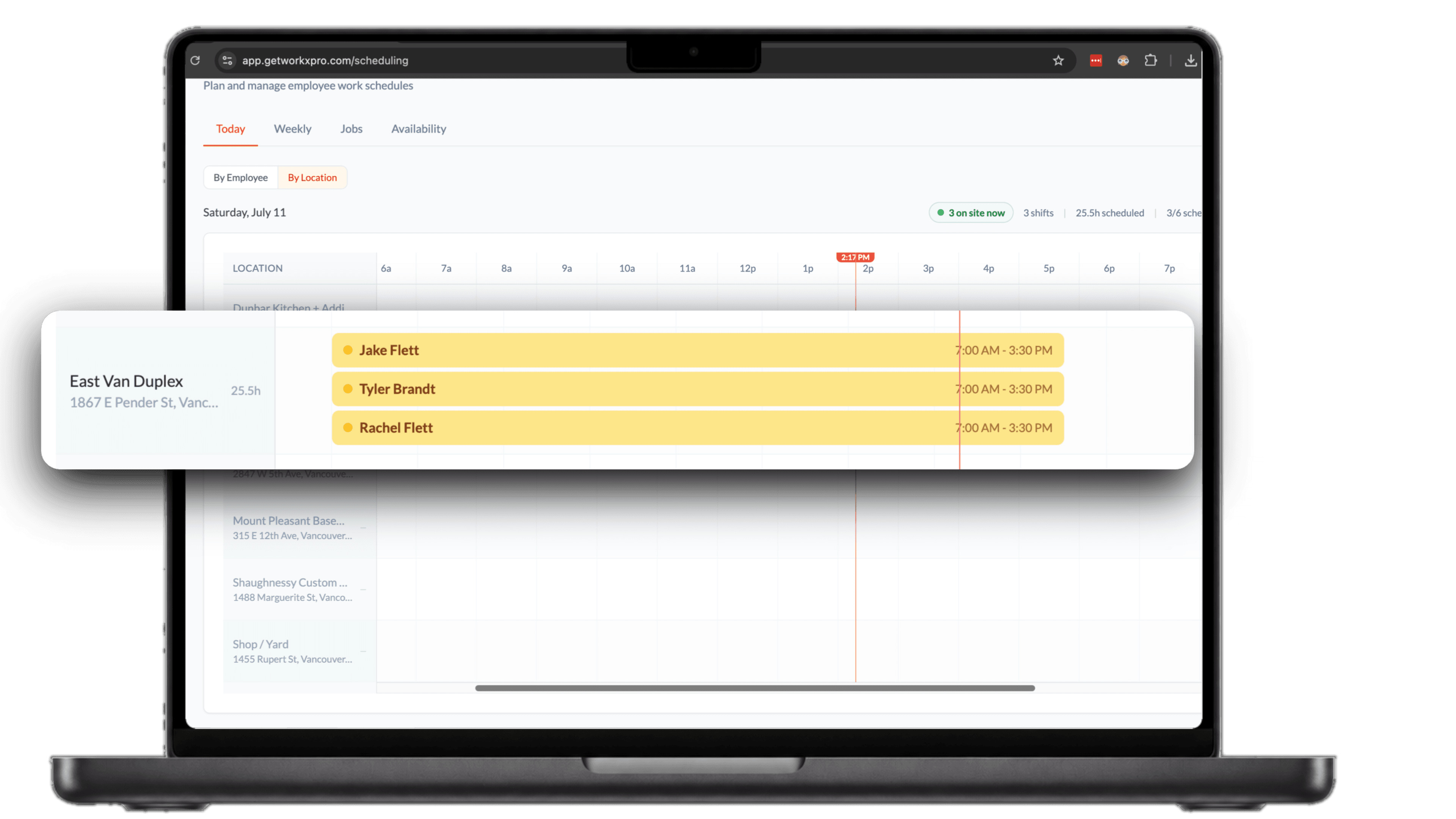
The today view lays every job site on a timeline with who is scheduled and who is already on site. Switch between a by-employee and a by-location view depending on the question you are answering.
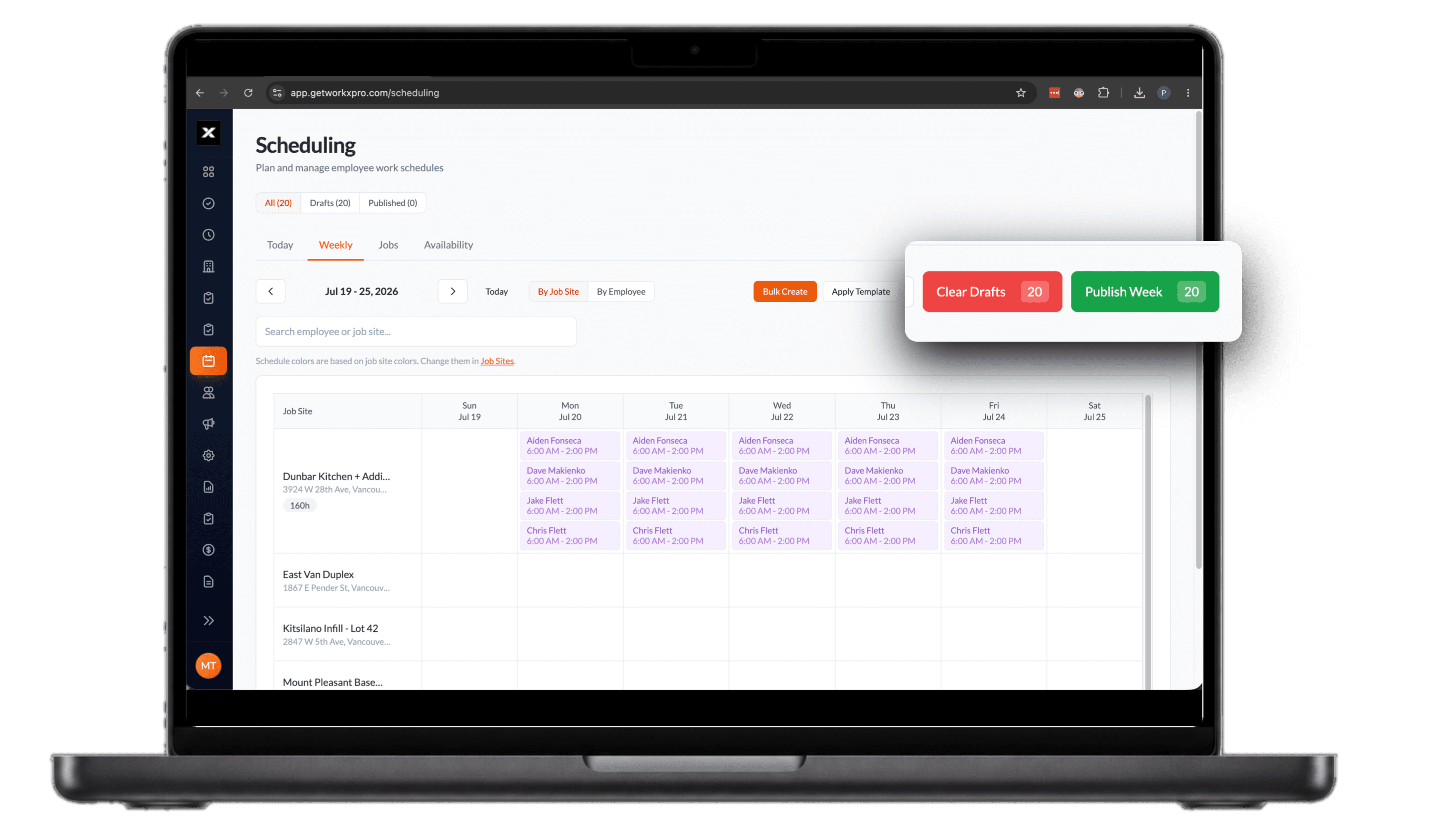

Draft the week, publish when you are ready
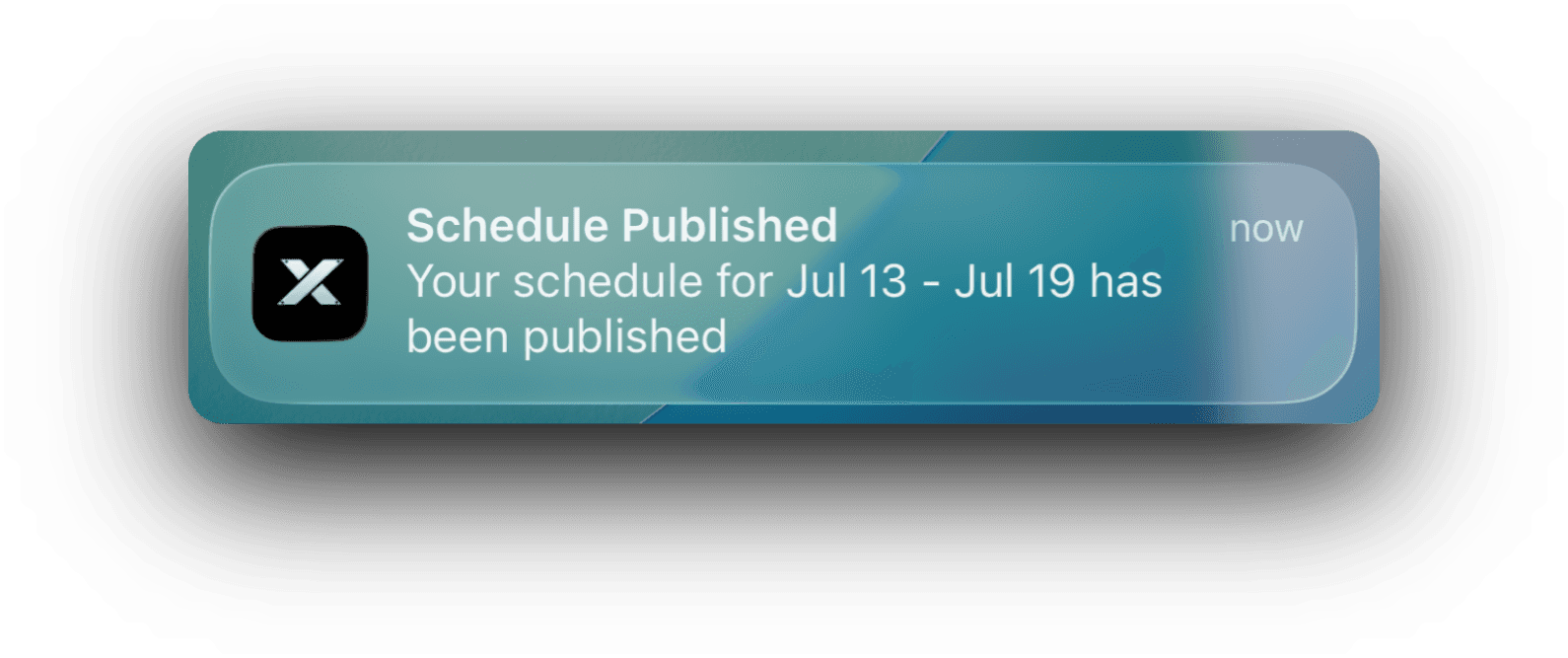
Build the schedule as drafts and nothing goes out until you hit publish. When you do, every worker gets their week on their phone. Change a shift later and only the affected people get a heads up to review and confirm.
See how WorkxPro fits the way you work.
Construction Companies
Track hours across job sites and cost codes
Learn more →
Cleaning Companies
GPS-verified hours at every client building
Learn more →
Field Service Businesses
Quotes, scheduling, and invoicing in one app
Learn more →
Foremen & Supervisors
Approve hours and watch crews from your phone
Learn more →
Payroll Admins
Clean digital timesheets straight to payroll
Learn more →