
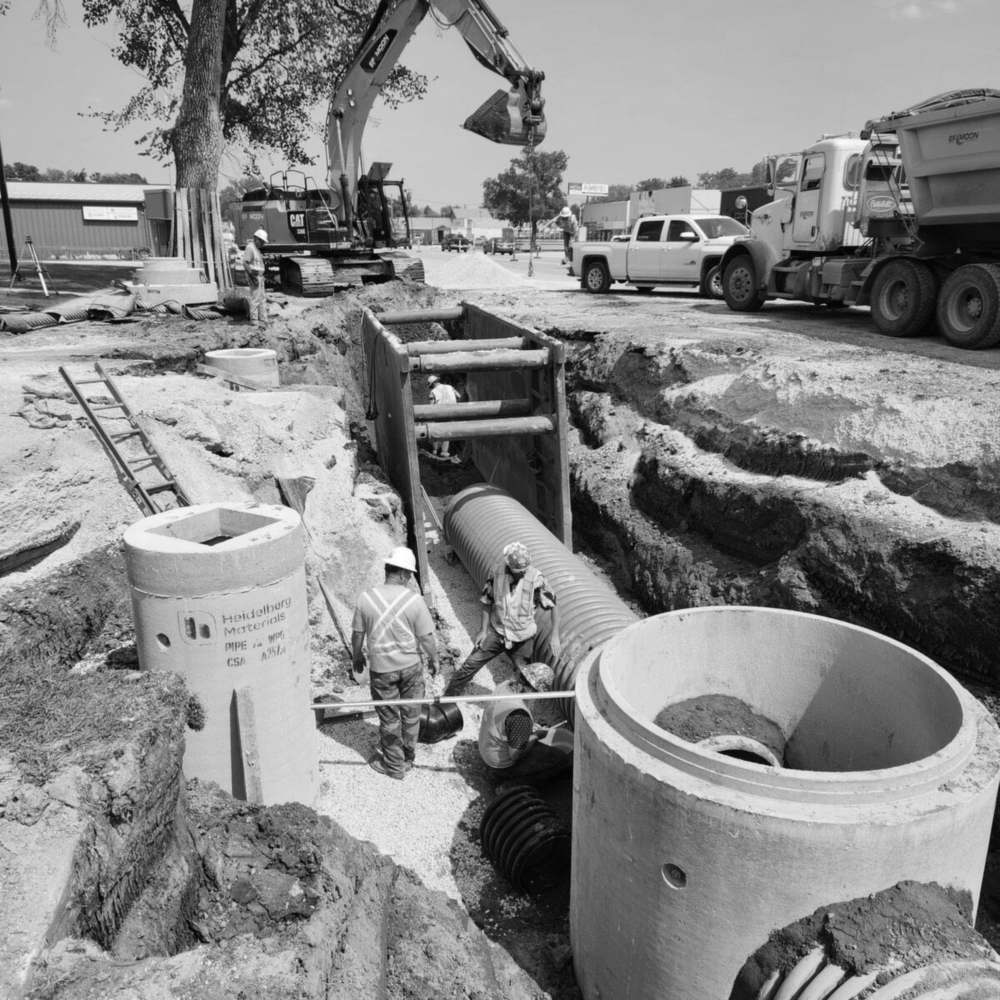
Know they're on site — without asking
Set a geofence around every job site. Workers get reminded to clock in when they arrive, and to clock out when they leave. GPS-verified. Fully automatic.
You can't be at every job site
You're paying for hours you can't verify
Was the worker actually on site or clocking in from home? Without location data, you're trusting paper timesheets — and hoping nobody rounds up.
Workers forget to clock out and you end up with 14-hour shifts that didn't happen
One forgotten clock-out turns into a payroll nightmare. You're left chasing down the foreman to figure out what actually happened — and correcting it by hand.
Your crew picks the wrong cost code because they see every code in the company
50 cost codes on a dropdown when they only need 7. Workers guess, pick wrong, and your job costing reports are useless by the time you catch it.
Set a radius. The system handles the rest.
When you create a job site, define a geofence radius around it — 100 meters, 500 meters, whatever fits the site. The map preview shows you exactly how far the boundary extends. Enable geofencing with one toggle. That's the entire setup.
Workers only see the cost codes that matter
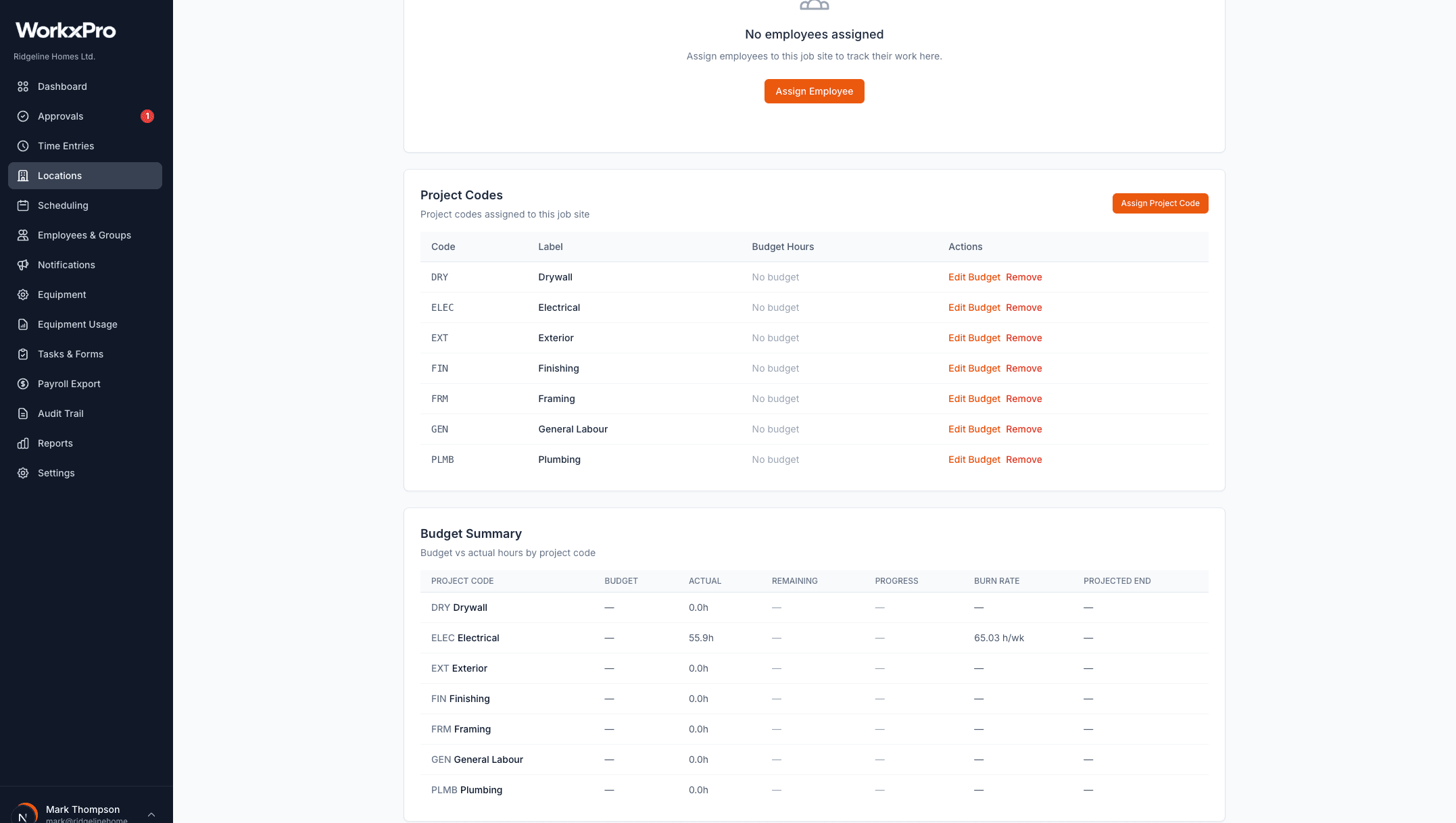
Each job site has its own set of project codes. When a worker clocks in at Shaughnessy Custom Home, they only see Framing, Electrical, Drywall — not the 50 other codes from your other projects. Fewer choices means fewer mistakes.
You can also track budgeted vs. actual hours per code to catch overruns before they blow up.
Arrive on site? Reminded to clock in.
Leave? Reminded to clock out.
When a worker's phone detects they've entered the geofence, they get a push notification: “You arrived at [site]. Open the app to clock in.” When they leave while still clocked in: “You left [site]. Open the app to clock out.” No more forgotten punches. No more 14-hour ghost shifts.
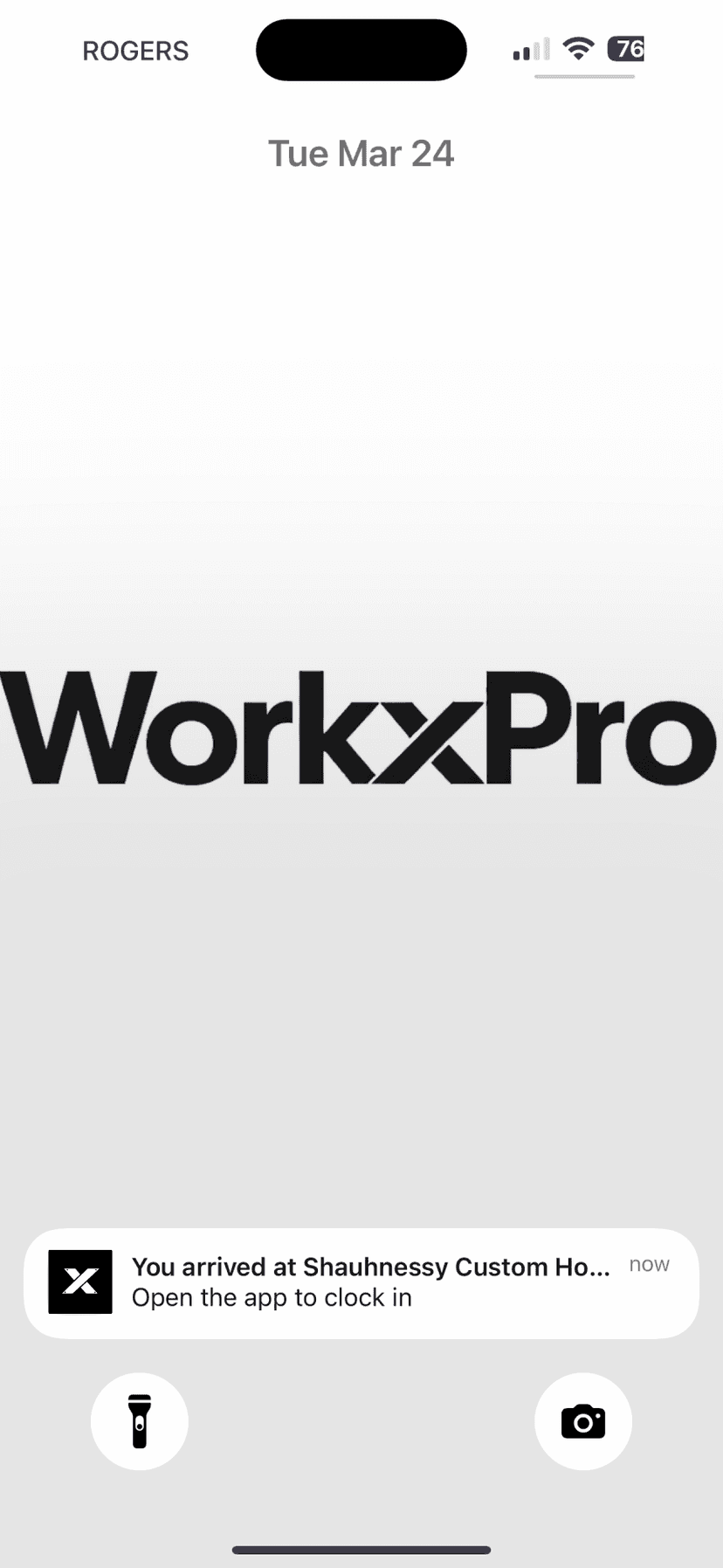
Arrived on site
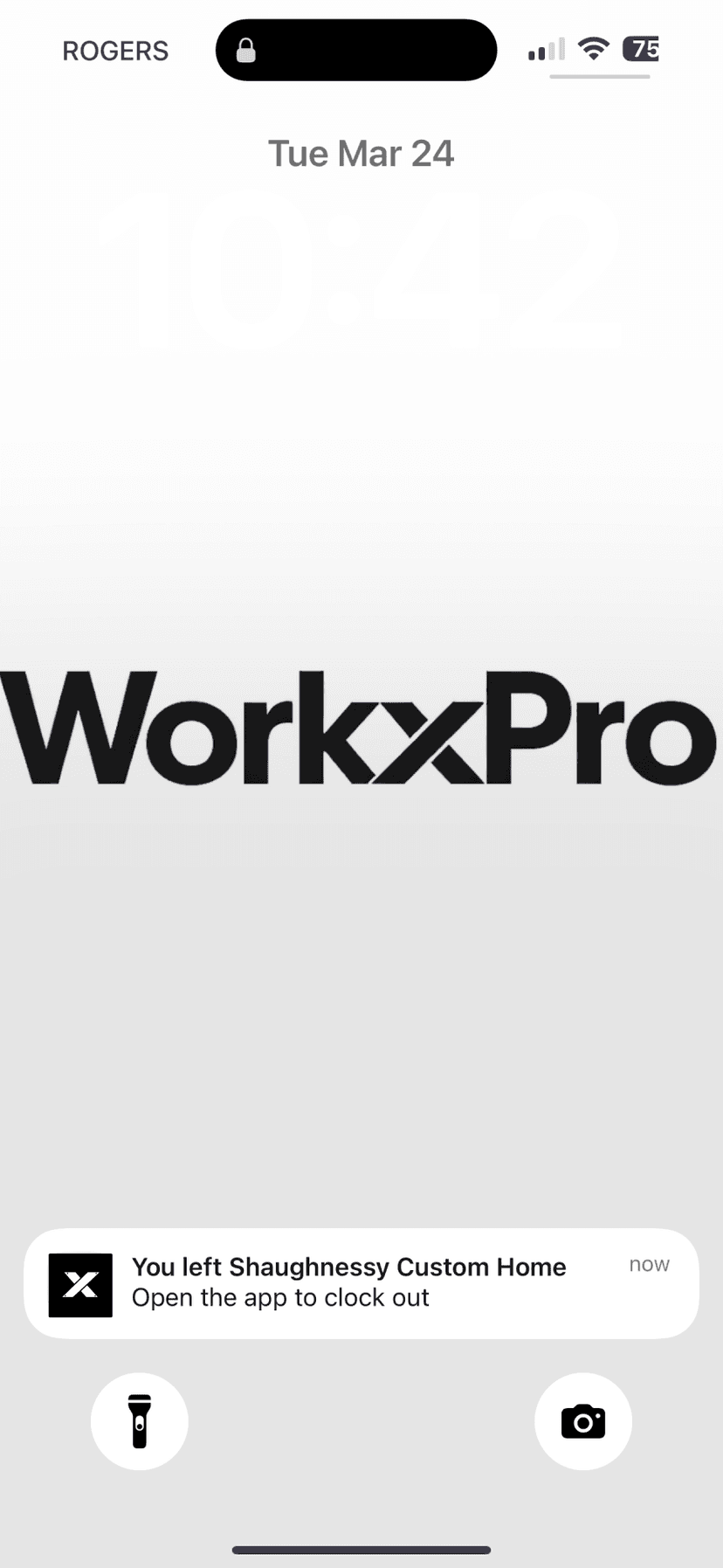
Left the site
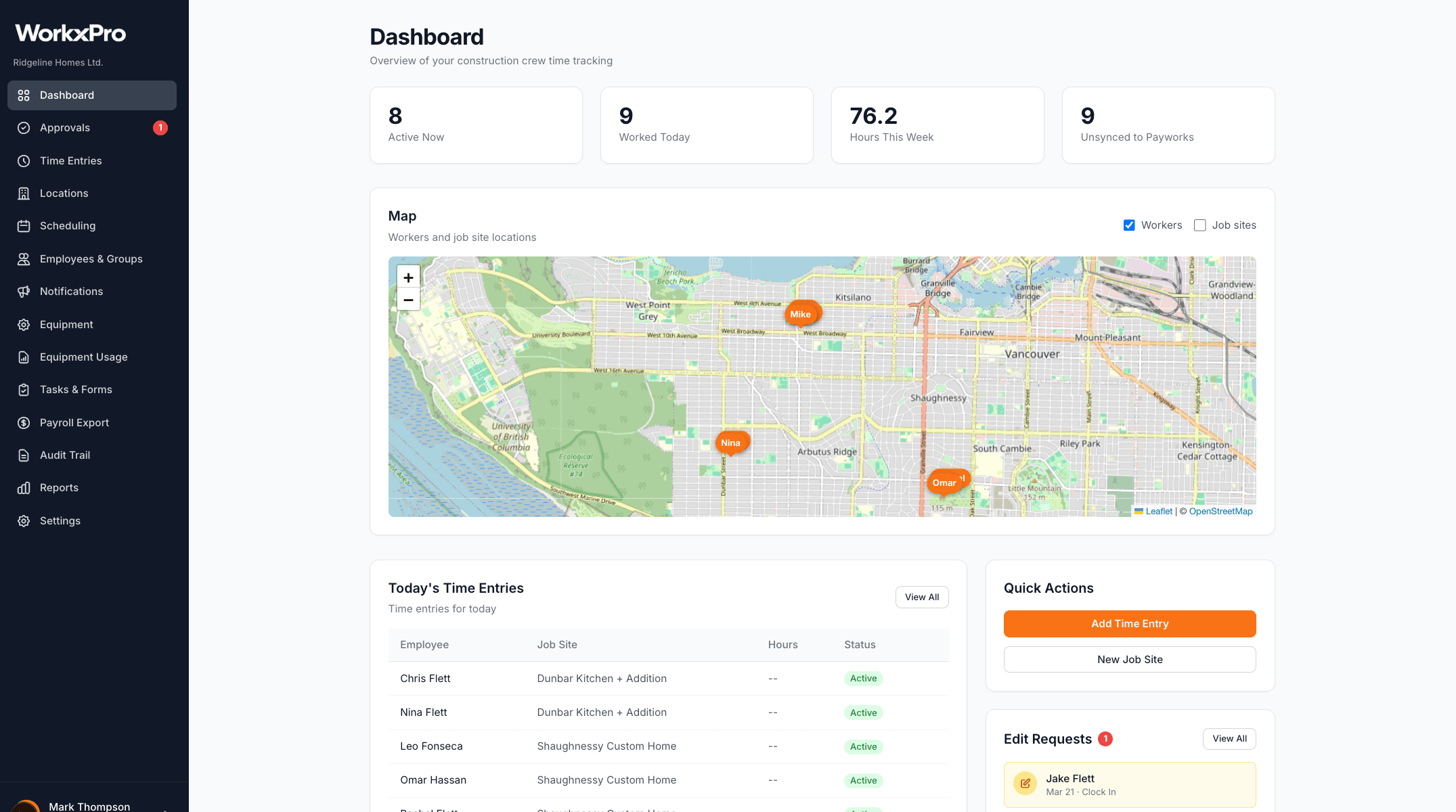
See where every worker clocked in
The admin dashboard shows a live map with pins for every worker who clocked in today. Spot problems immediately — if someone clocked in miles from the job site, you'll see it.
See how WorkxPro fits the way you work.
Construction Companies
Track hours across job sites and cost codes
Learn more →
Cleaning Companies
GPS-verified hours at every client building
Learn more →
Field Service Businesses
Quotes, scheduling, and invoicing in one app
Learn more →
Foremen & Supervisors
Approve hours and watch crews from your phone
Learn more →
Payroll Admins
Clean digital timesheets straight to payroll
Learn more →