

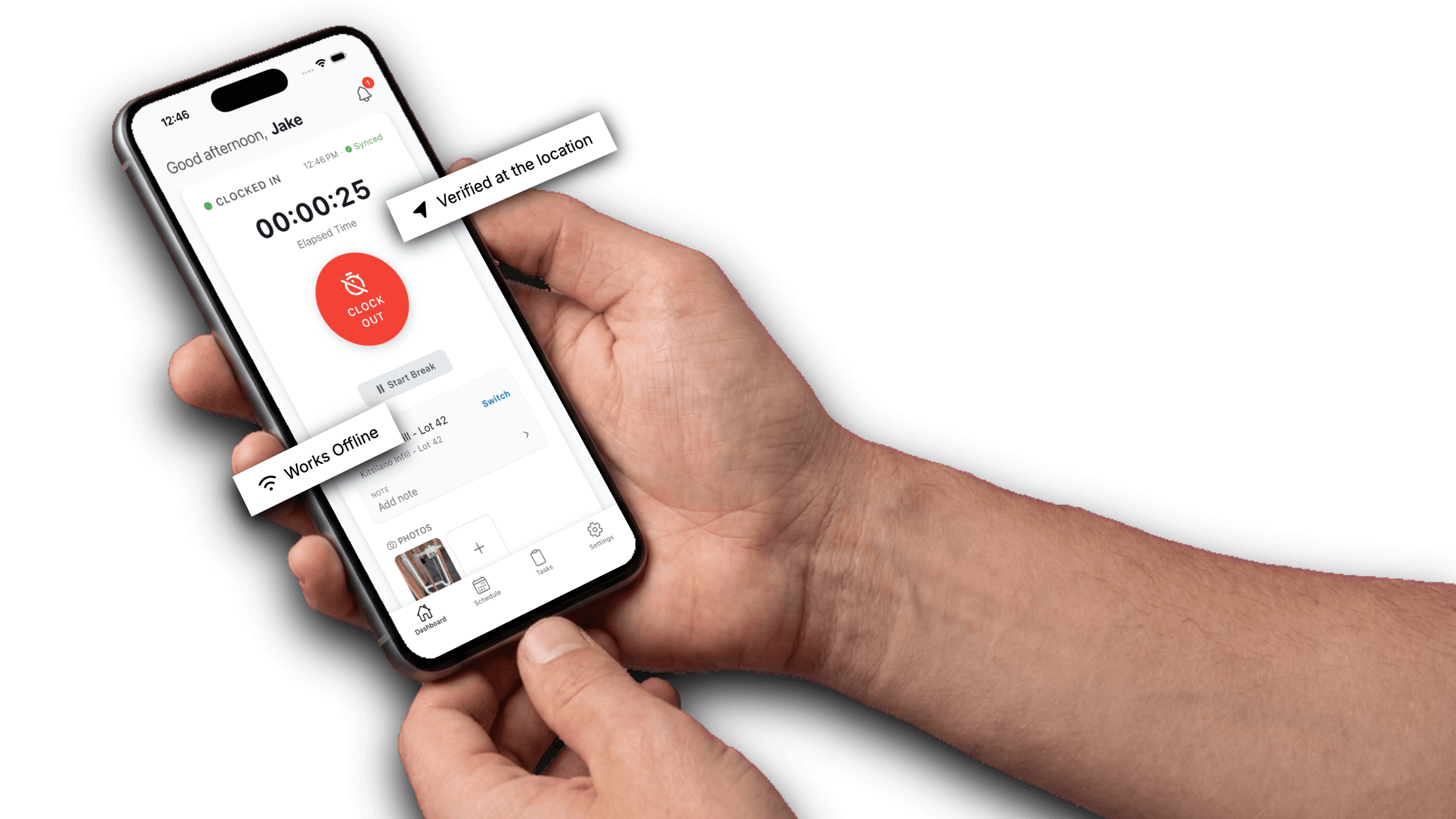
The GPS-verified timesheet app.
Running a construction or cleaning company takes coordination and a crew you can count on. With WorkxPro you get GPS-verified timesheets, plus everything you need to run the week, from schedule to payroll.
WorkxPro has earned a 4.9 rating
across thousands of reviews
“We used to spend Friday afternoons chasing timesheets. Now payroll takes 20 minutes. The guys actually like using it too. That was the part I didn't expect.”
“The segments feature alone saved us. We run crews across 3–4 sites a day and our job costing was always wrong. Now every hour gets billed to the right project code.”
“I was skeptical about another app. We've tried two before and the guys stopped using them after a week. This one stuck because it works offline on our rural sites.”
Run your whole crew from one app.
Three parts, one login: track the hours, run the crew, cost the job. Each does its job properly, and the whole crew uses the same app.
Time Trackingworks offline
GPS-stamped clock-ins that work with no signal, with breaks and overtime figured out before you approve.
- GPS timesheets
- Clock in / out
- Split shifts
- Breaks & overtime
Crew Management
Schedule the week, geofence every site, and see who’s working right now on a live map.
- Scheduling
- Geofencing
- Live map
- Time off
Project Management
Track hours against cost codes and budgets so you know a job’s margin before it’s finished, not after.
- Cost codes
- Budgets
- Job cost reports
- Equipment
- Plans & Documents
- RFI (Coming soon)
Integrate your existing systems in minutes
Payroll, accounting, payments, and automation. Connect the tools you already use.






FAQ
Is WorkxPro for construction, cleaning, or field service?
All three. The core is the same: GPS time tracking, scheduling, approvals, and payroll export. Field service businesses also get quotes, dispatch, and invoicing, the whole job from first call to final invoice. Pick your path above to see the version built for you.
Will my crew actually use it?
Yes. It’s two taps to clock in, it works with gloves on, and it works offline. Most crews learn it in one shift, and they keep using it because it’s faster than paper.
How much does it cost?
Per user, starting at $8 a month. No setup fees and no credit card to try it. You only pay for the people you’re actually tracking.
What if my sites have no cell signal?
WorkxPro is offline-first. Everything is captured on the phone and syncs automatically once service returns. Built for exactly the places field work happens.
See it on your own crew.
Start a free 14-day trial and track real hours today. No credit card, and most owners are set up the same afternoon.
No credit card required.