
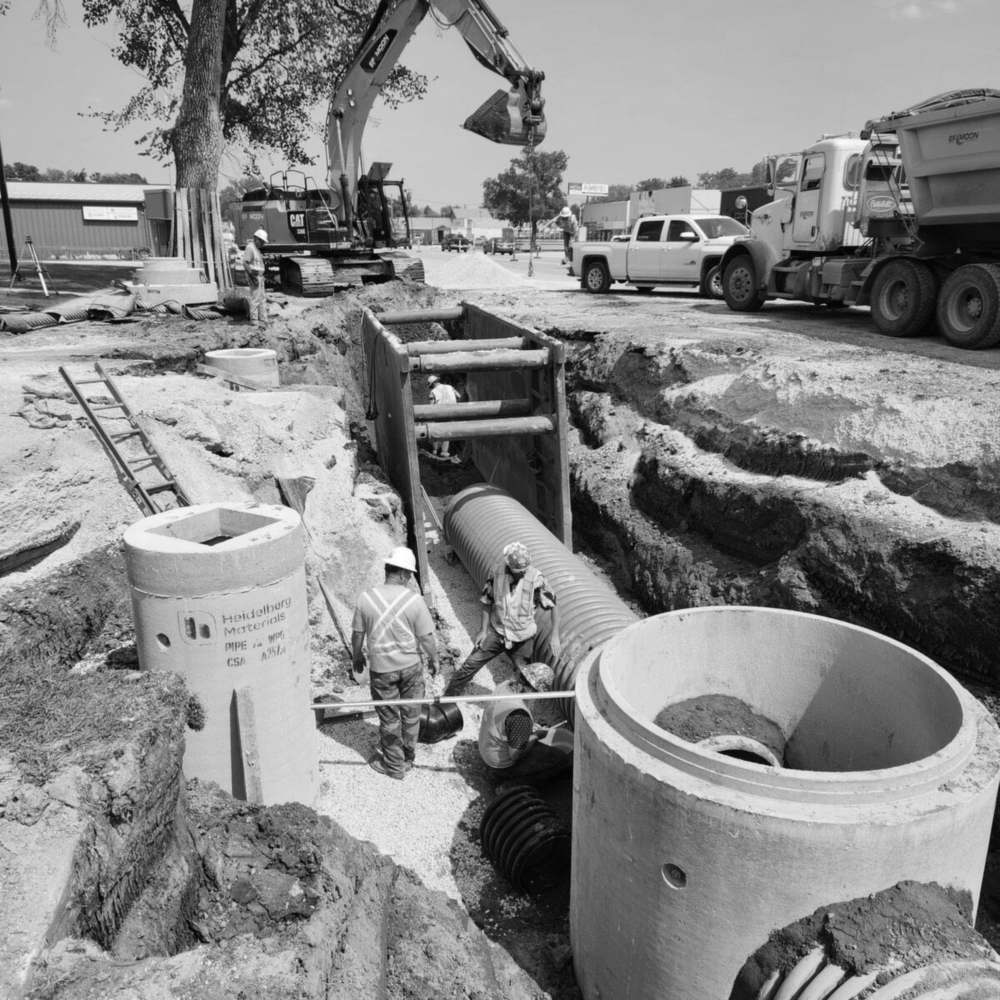
One-tap clock in, built for the job site.
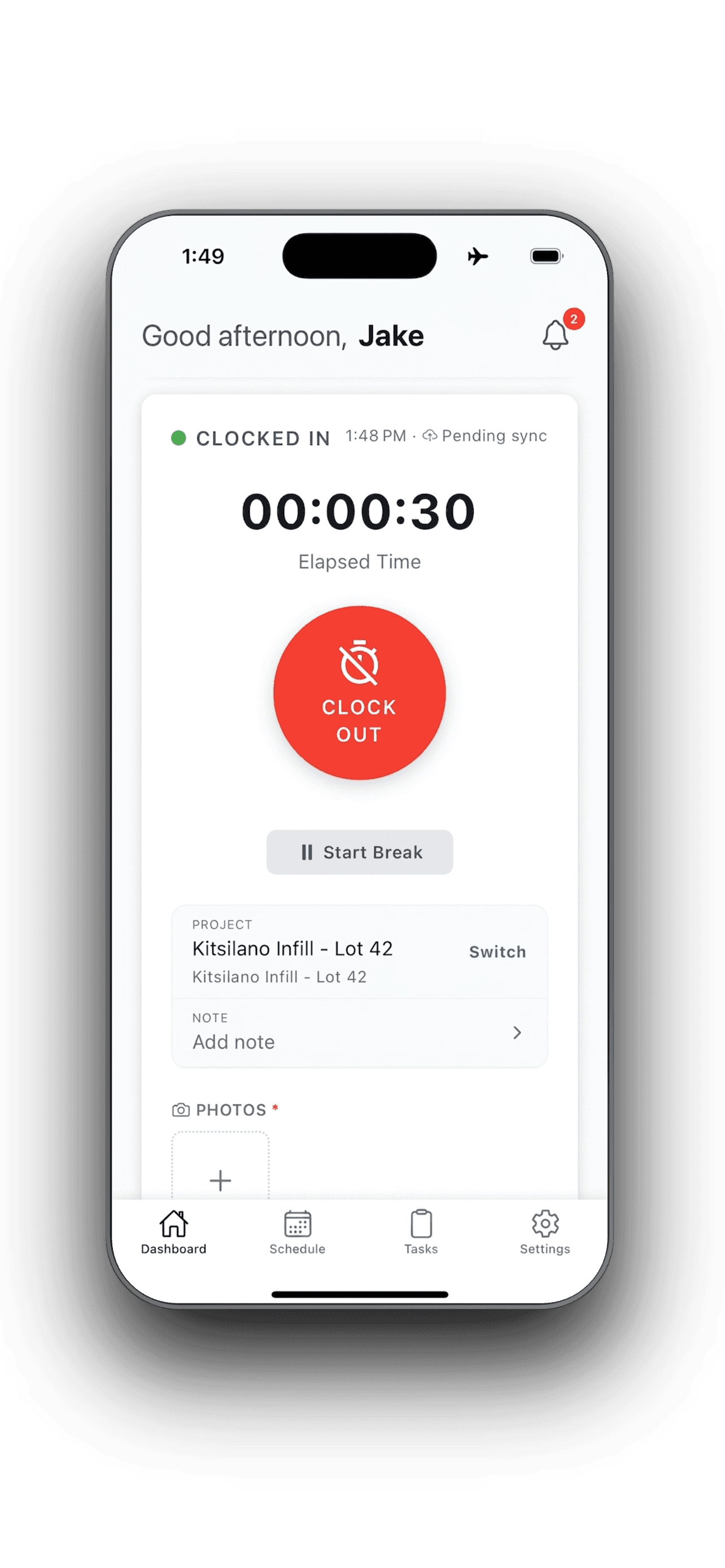
- One-tap clock in with GPS confirmation, right on site
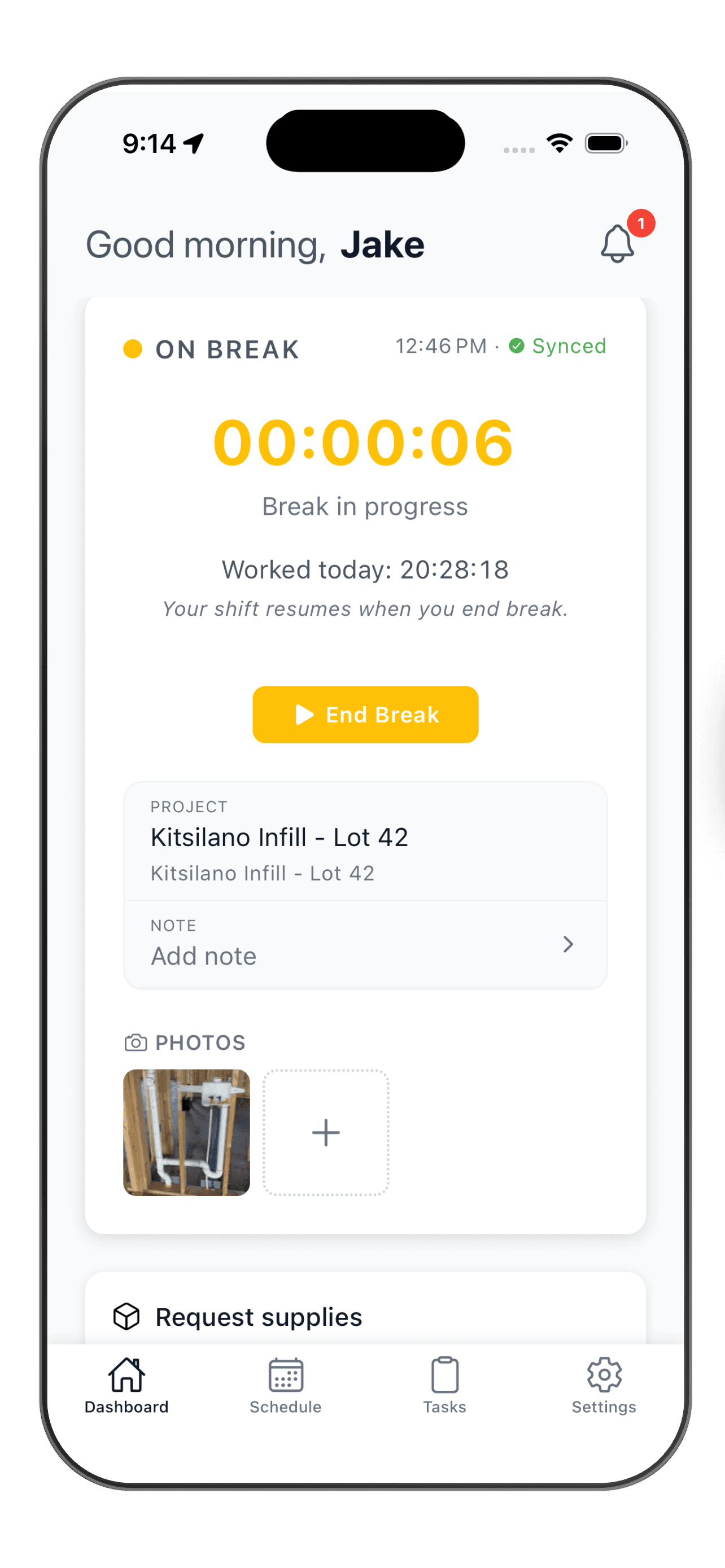
- Breaks, segments, and notes, all from the phone
- Works offline in dead zones, syncs when signal returns


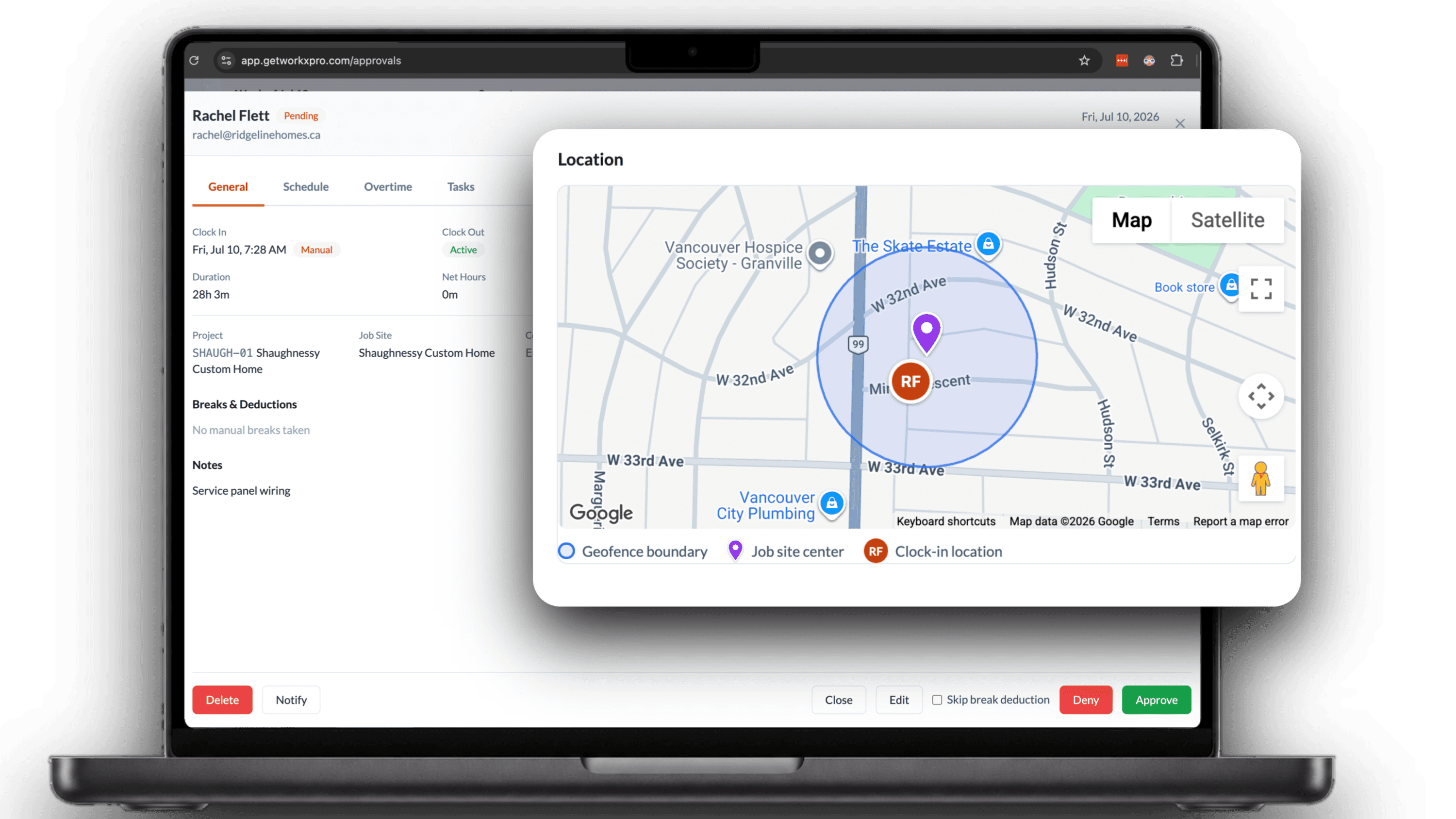
Every punch is GPS-verified
The moment a worker taps clock in, the punch is stamped with their location and lands on your live map. No memory, no paper, no benefit of the doubt. You see who clocked in, when, and exactly where.
Works offline, every time
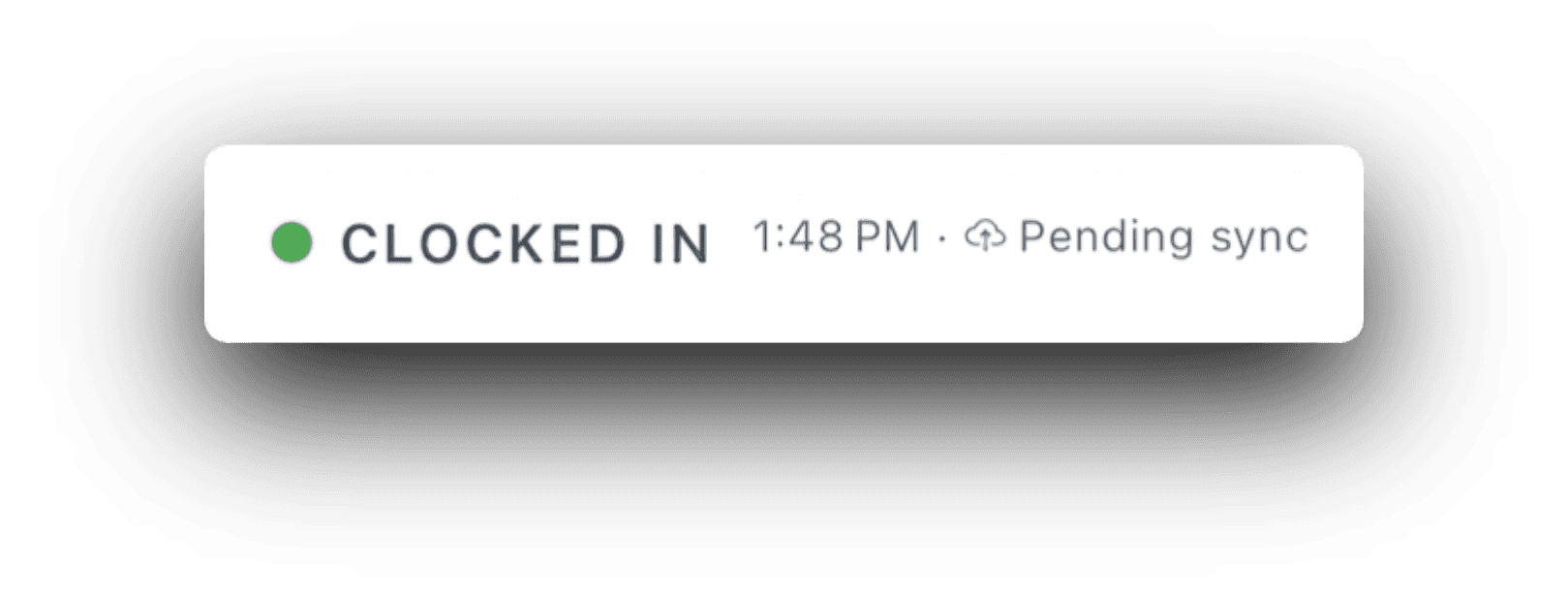
Basements, parkades, rural sites, dead zones. Every clock-in, break, and note is saved on the phone first and syncs the moment signal returns, with the original time and location intact. Your crew never has to think about it.
Breaks without clocking out
Start a break with one tap and the shift timer pauses. End it, and the clock picks right back up. Break time is tracked on its own, so paid and unpaid hours stay clean all the way to payroll.
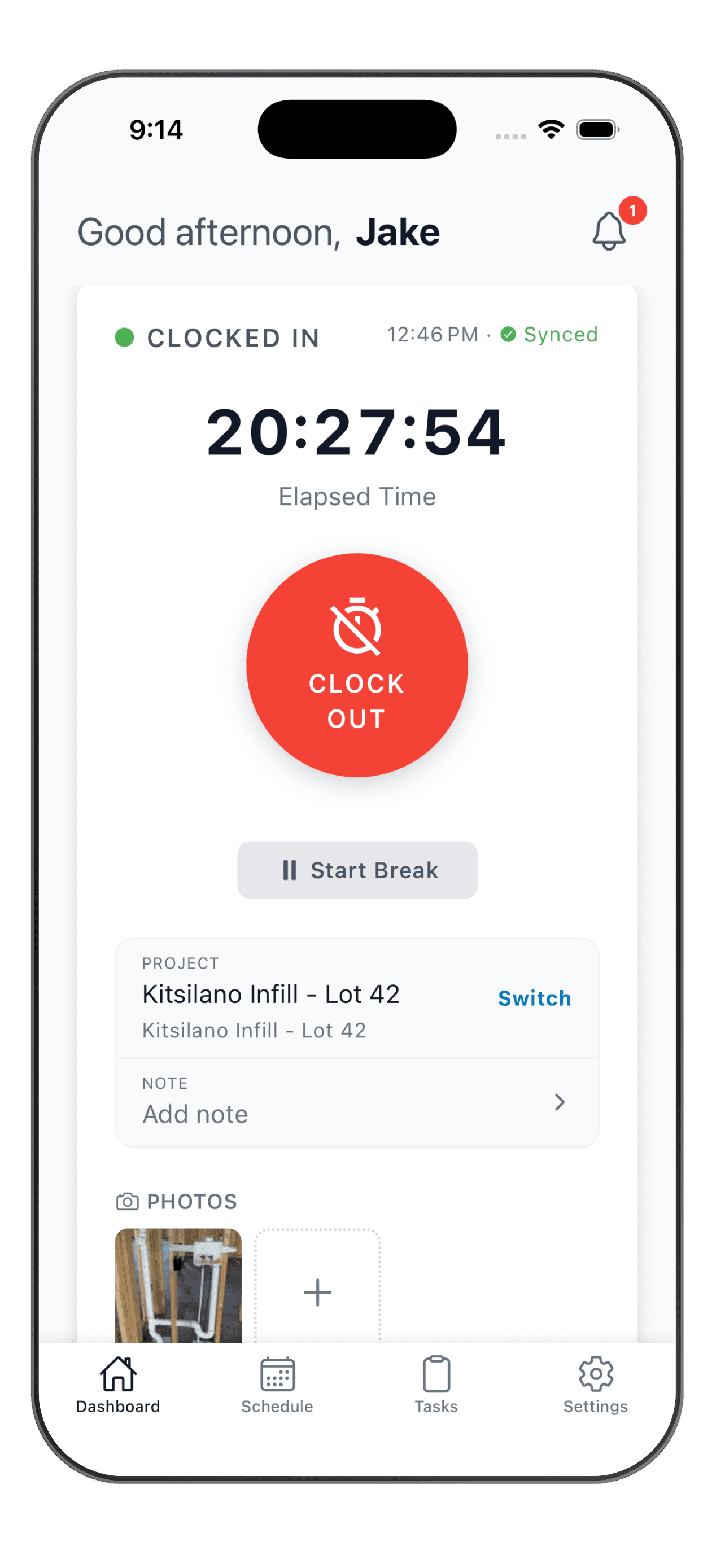
Never forget to clock out again
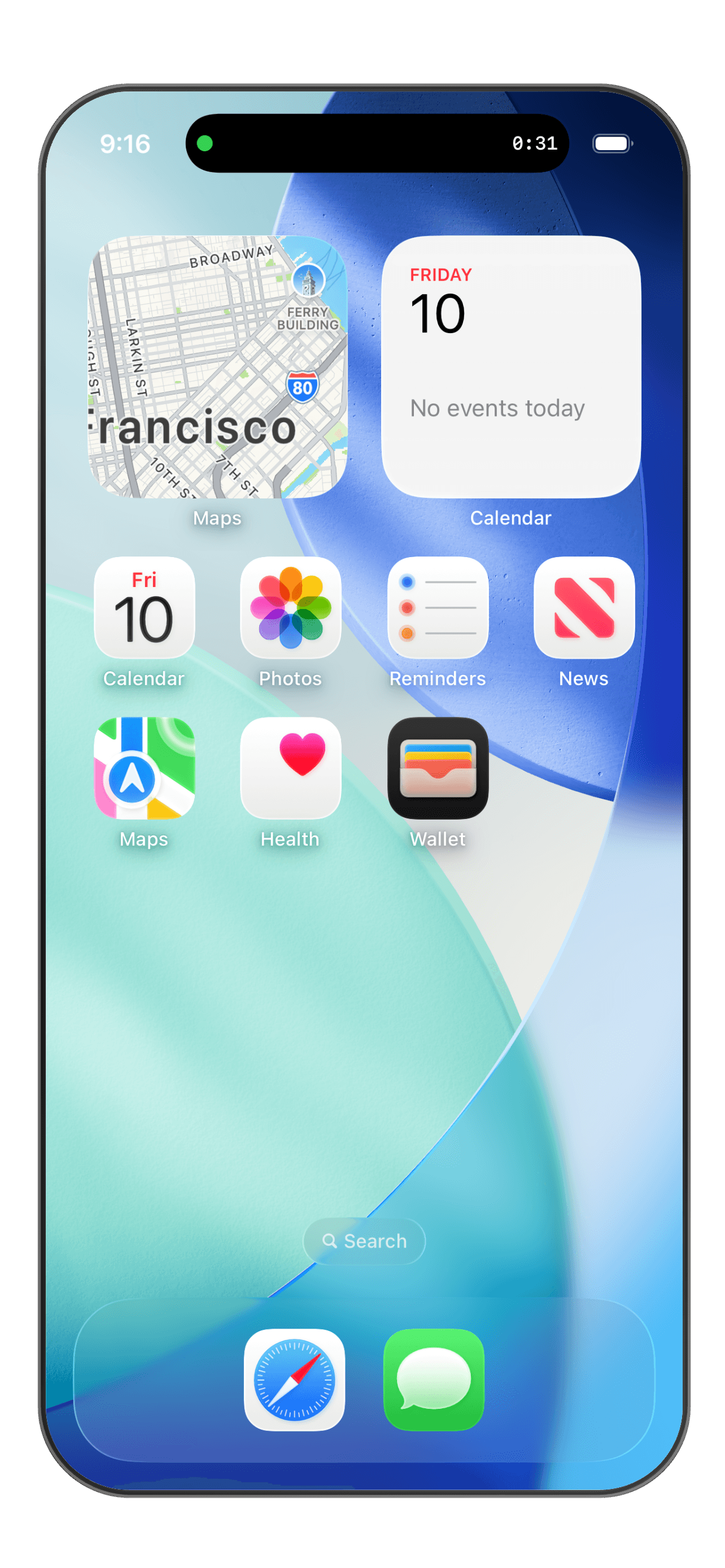
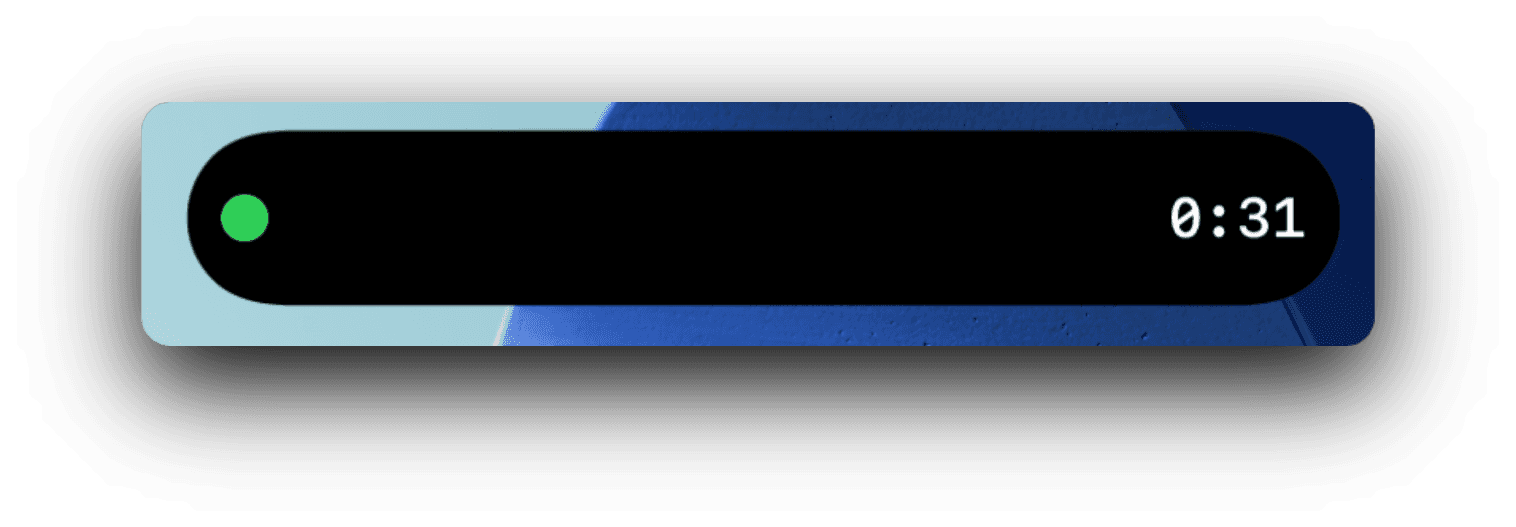
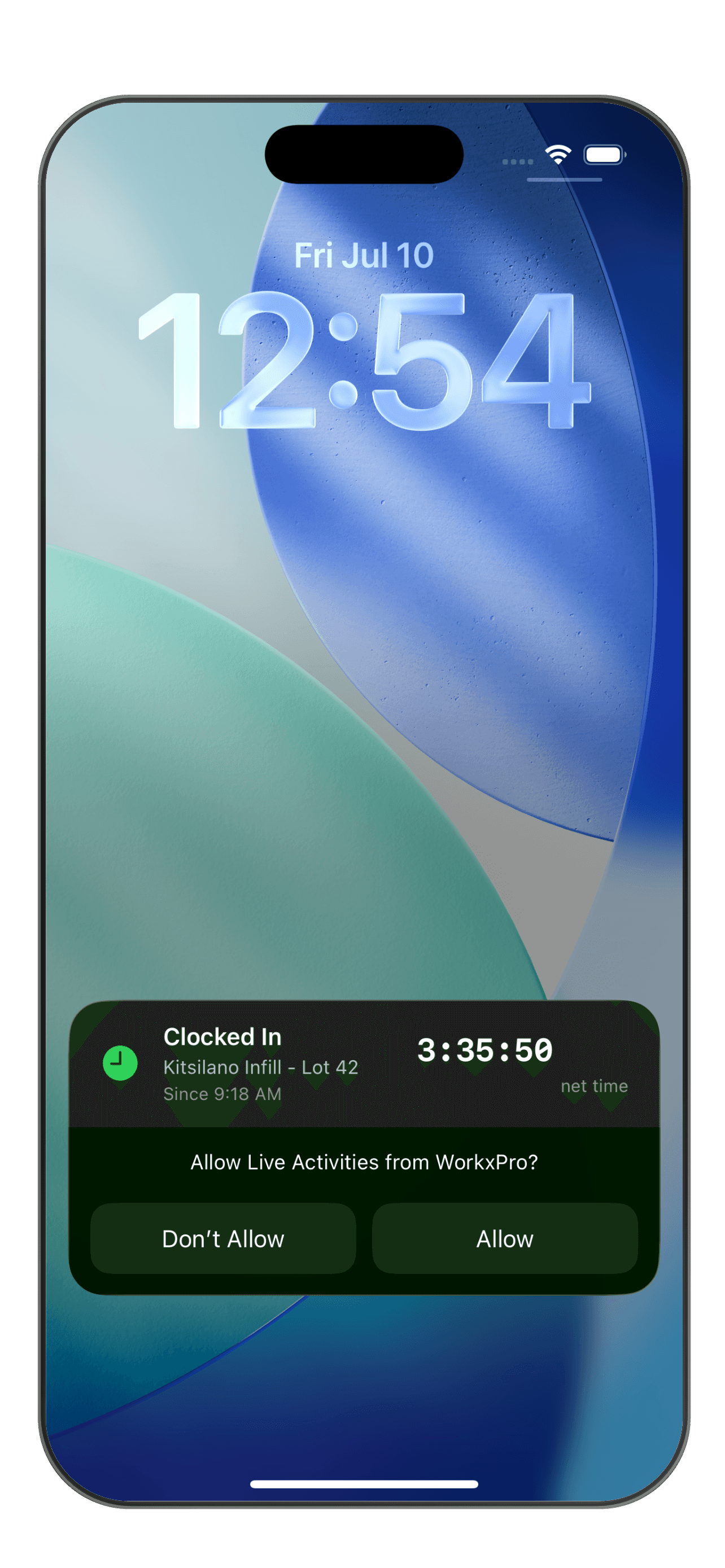
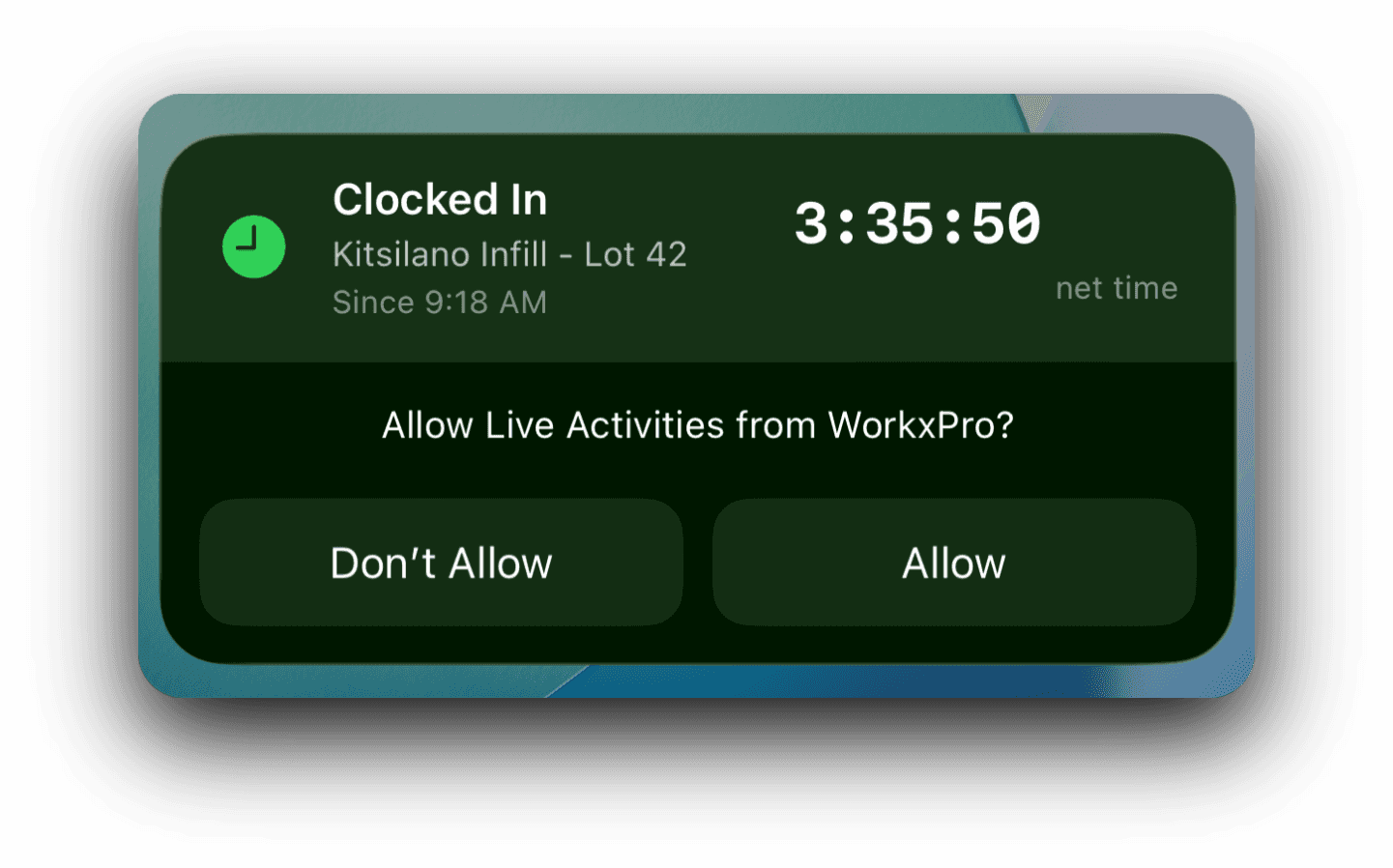
A Live Activity keeps the running timer on the lock screen and in the Dynamic Island. On a break, the break timer shows there too. Your crew always knows they are on the clock, so far fewer shifts run long by accident.
Split a shift without clocking out
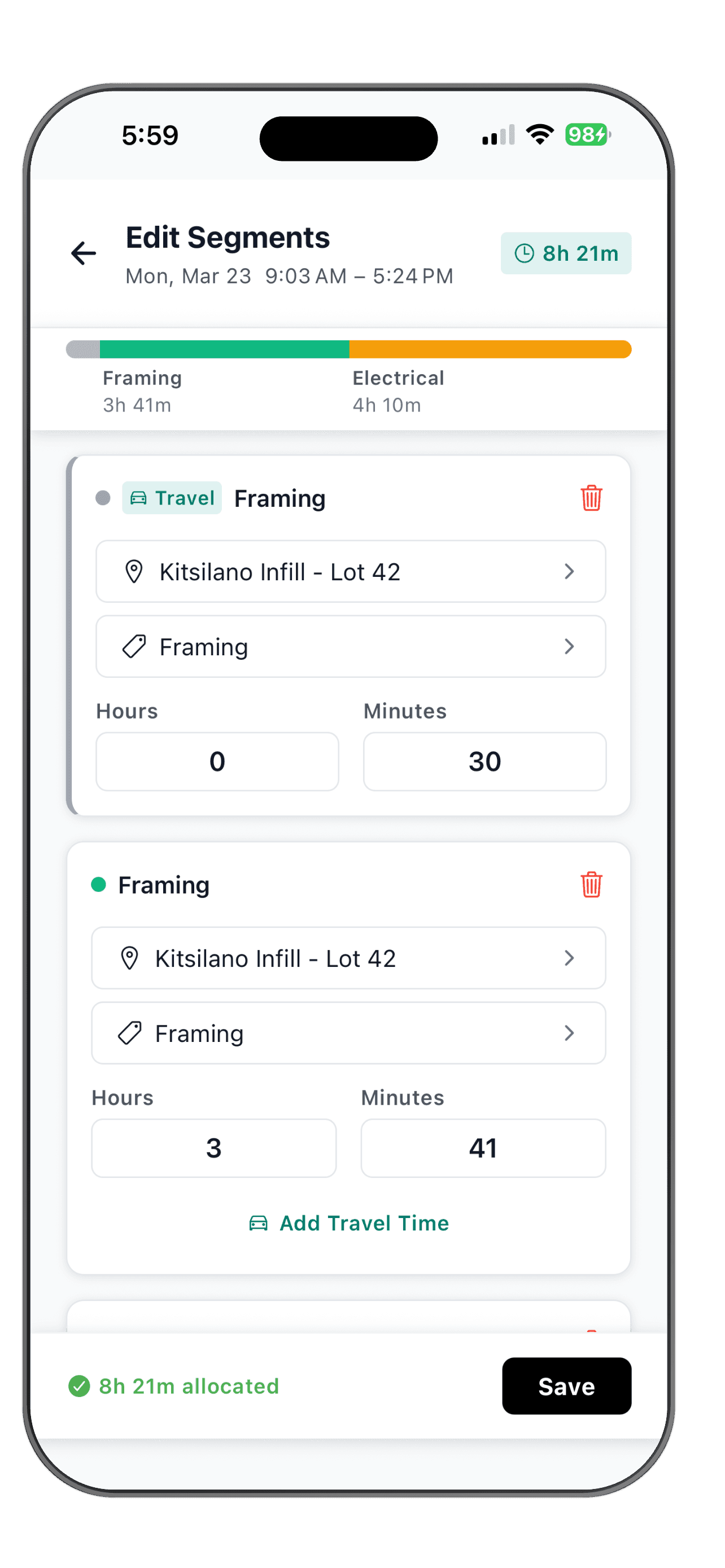
One crew, two sites, three cost codes in a day. Workers switch the job or code mid-shift with a tap, no clock-out required. Every hour lands on the right job, so your costing stays honest.
Read moreGet your crew tracking time today
Download the app, invite your crew, and see the difference in your first pay cycle.
14-day free trial. No credit card required.
See how WorkxPro fits the way you work.
Construction Companies
Track hours across job sites and cost codes
Learn more →
Cleaning Companies
GPS-verified hours at every client building
Learn more →
Field Service Businesses
Quotes, scheduling, and invoicing in one app
Learn more →
Foremen & Supervisors
Approve hours and watch crews from your phone
Learn more →
Payroll Admins
Clean digital timesheets straight to payroll
Learn more →