Every machine, every hour, on the record.
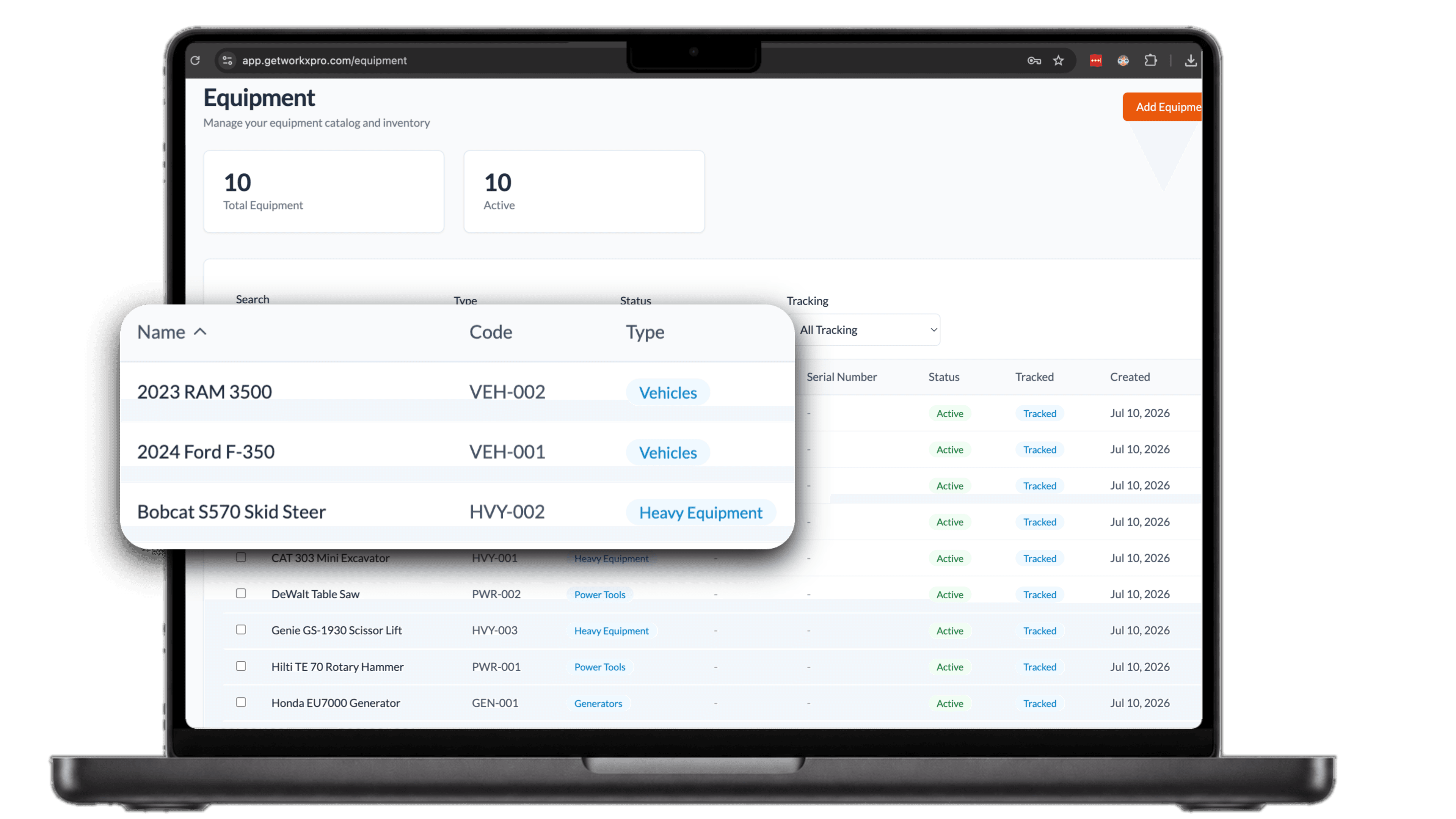
- Your whole fleet cataloged, from excavators to power tools
- Workers pick equipment at clock-in and log hours at clock-out
- Every equipment hour tied to a job site and project code
Equipment walks off. Hours go untracked.
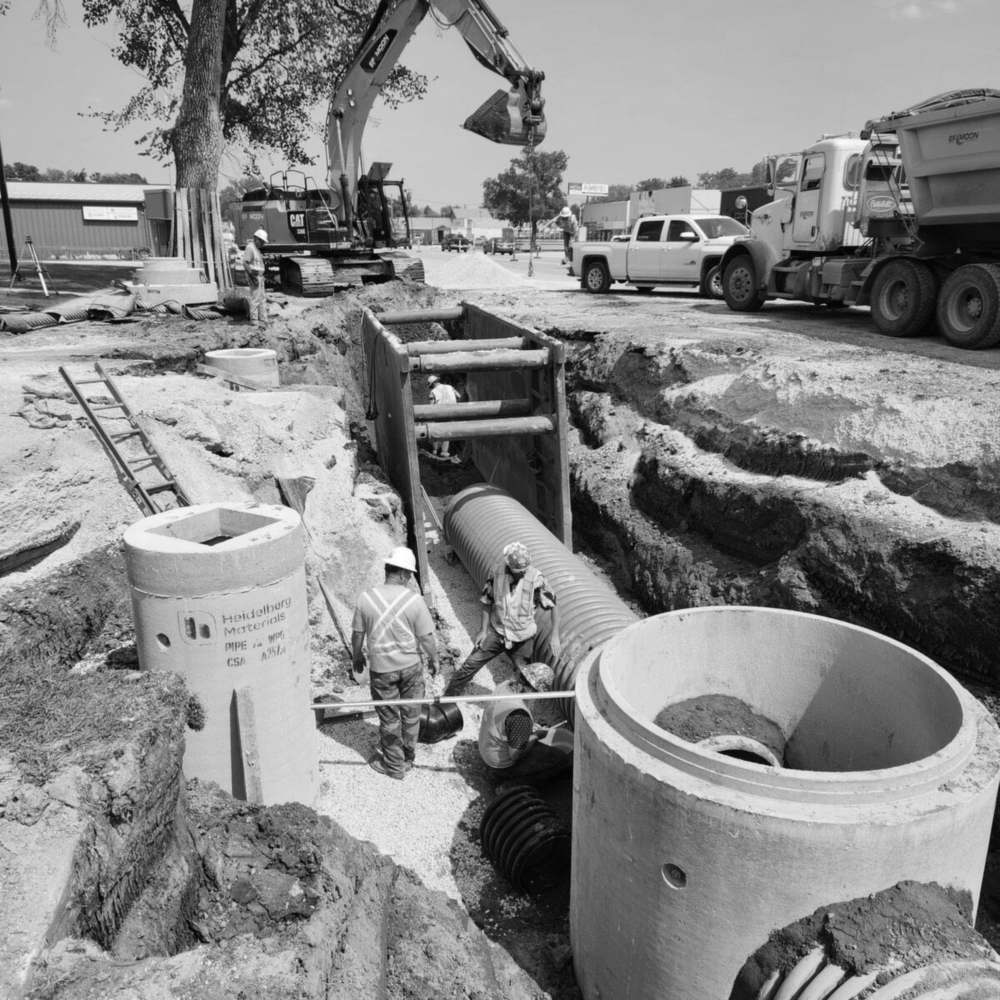
Nobody knows where the excavator is
Equipment moves between sites and the spreadsheet never hears about it. When you need a machine, you call three foremen to find out where it ended up.
Service scheduled by guesswork
Without logged hours you guess when maintenance is due. The guess is wrong mid-job, and the breakdown costs more than the service would have.
Costs that never hit the job
The machine ran all week, but no record says where. Equipment costs sit in overhead instead of landing on the project that used them.
Workers pick their equipment at clock-in
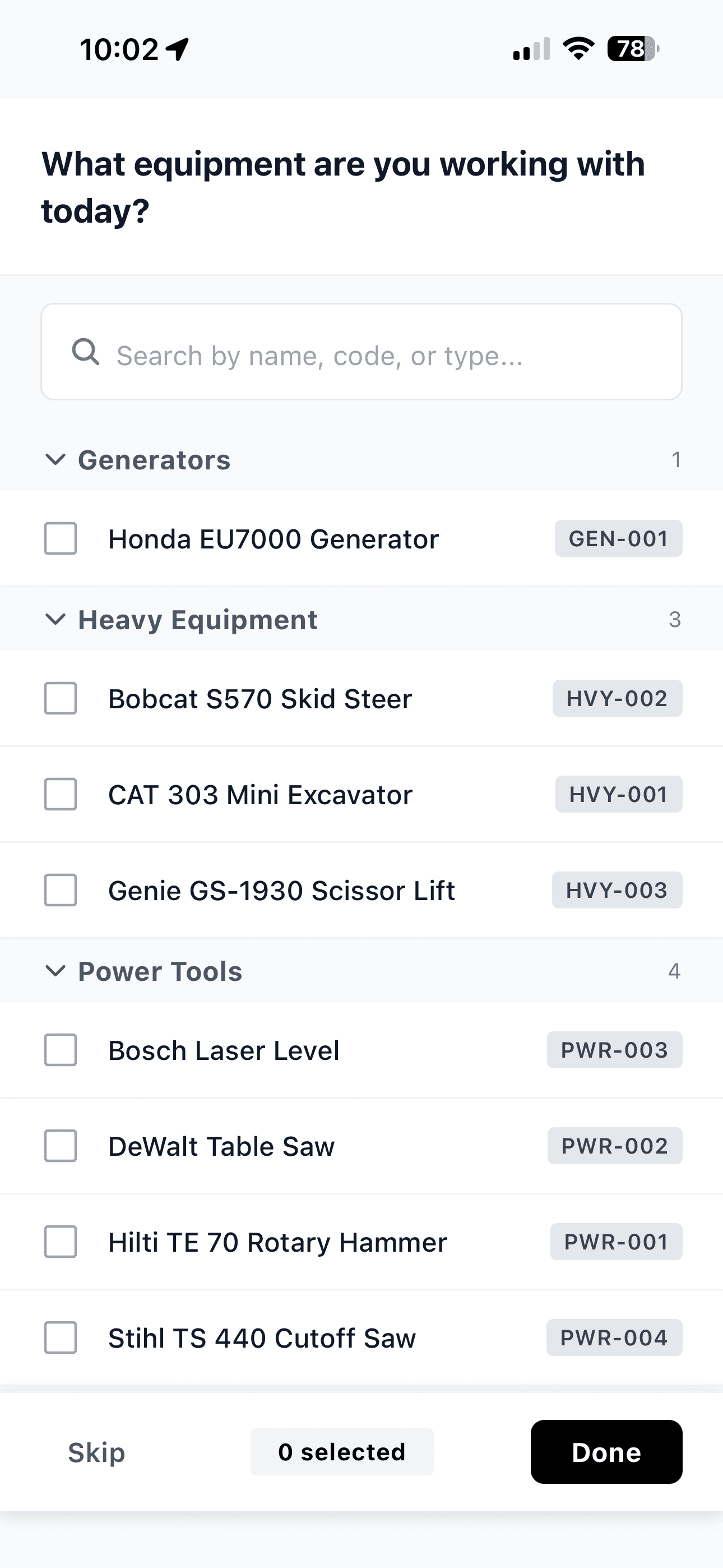
Right after clocking in, workers get one question: what equipment are you working with today? The list is grouped by category and searchable, so they check off their machines and get to work. That gives you a live record of which equipment is with which crew, and the step is skippable, so it never blocks a clock-in.
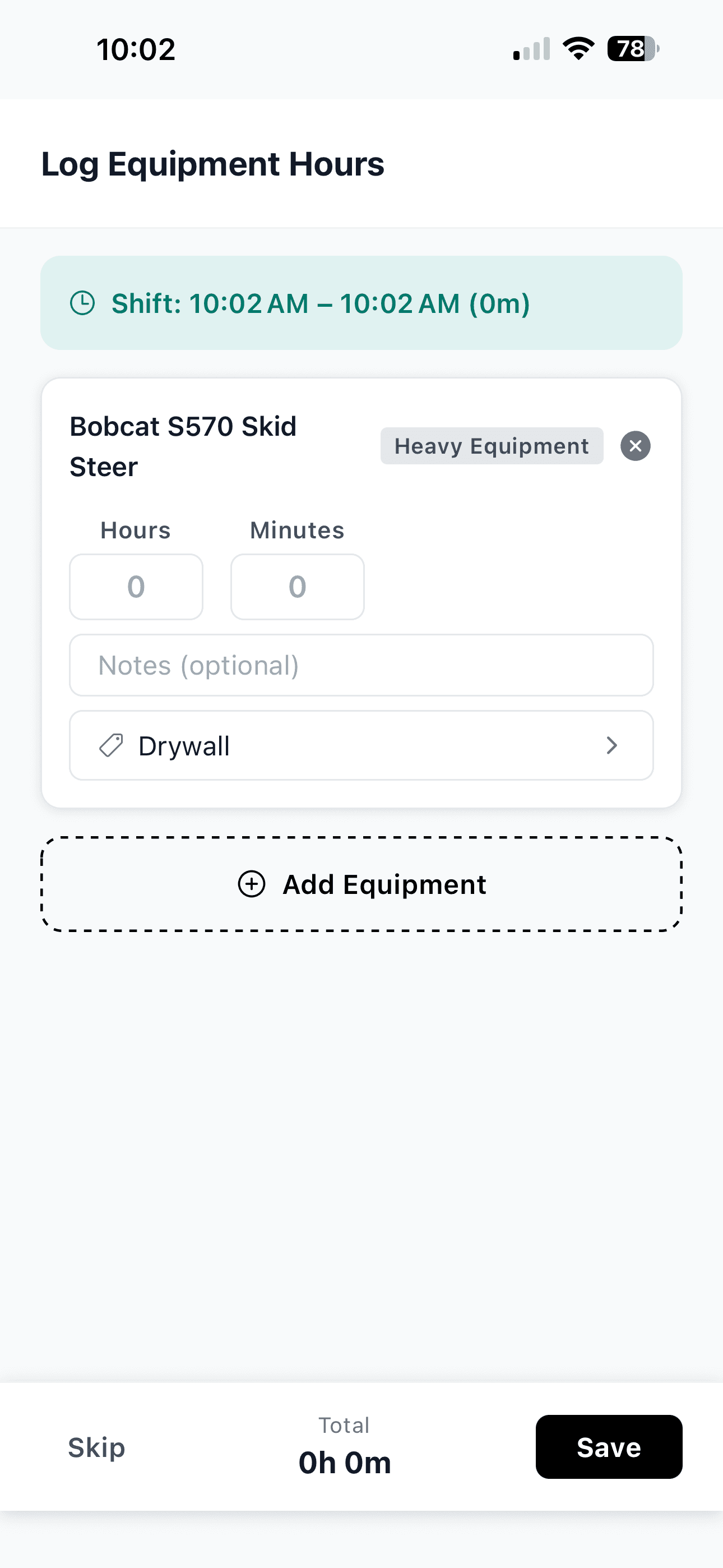
Hours logged before the crew leaves the site
At clock-out, workers put hours and minutes on each machine they used, add a note if it matters, and tag the cost code the time belongs to. It takes seconds while the day is still fresh, instead of Friday when nobody remembers which saw ran where.
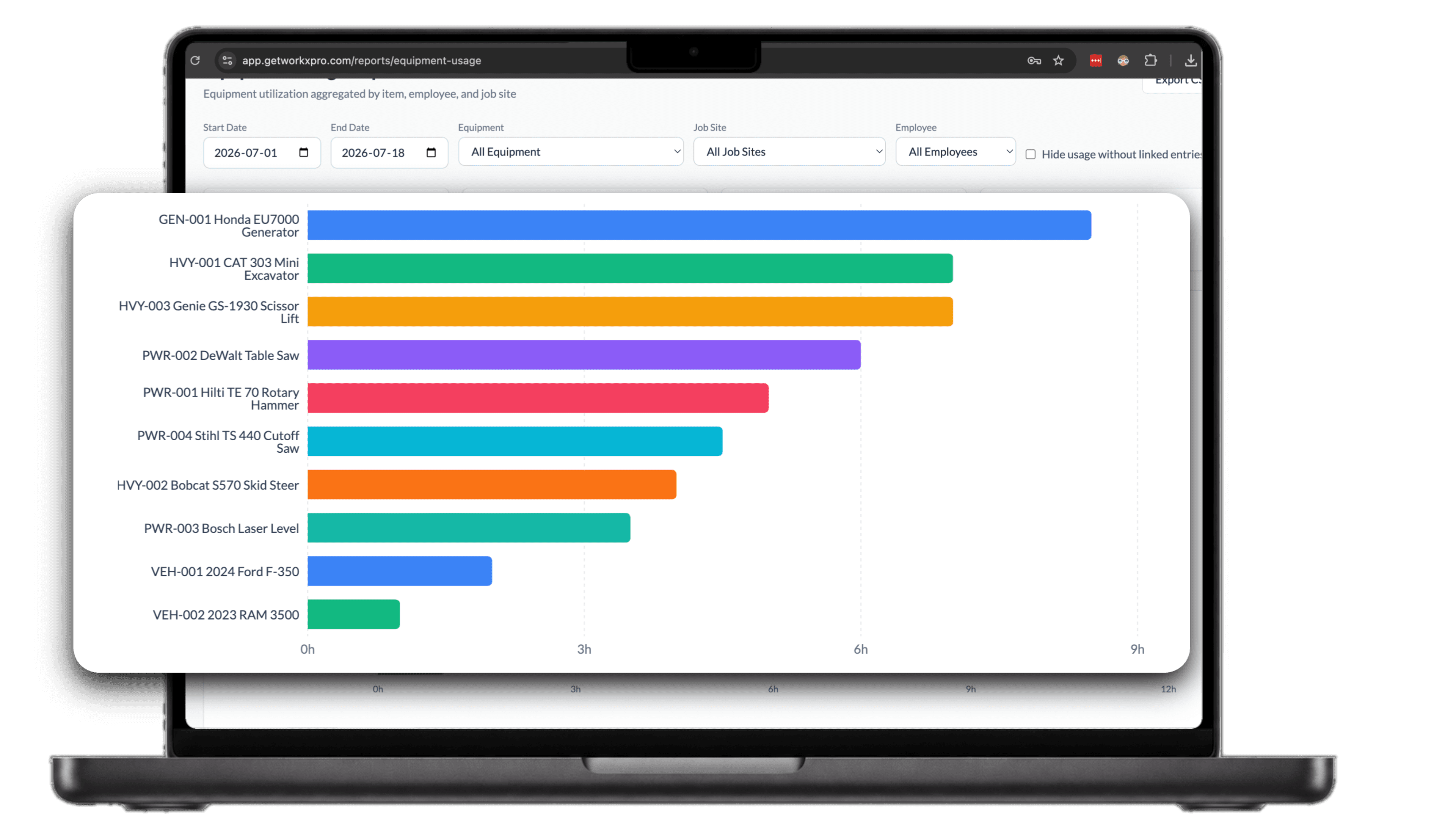
Who used what, where, and for how long
Every log rolls up into the usage report: hours by machine, aggregated by item, employee, and job site. Filter by date range or any of them, then export to CSV for billing and maintenance planning. Equipment costs finally land on the jobs that used the machines.