
Travel Time: The Hours You're Probably Tracking Wrong
When travel hours get lumped with regular hours, your payroll system triggers overtime that shouldn't exist. Here's how to stop overpaying your crew every single pay period.
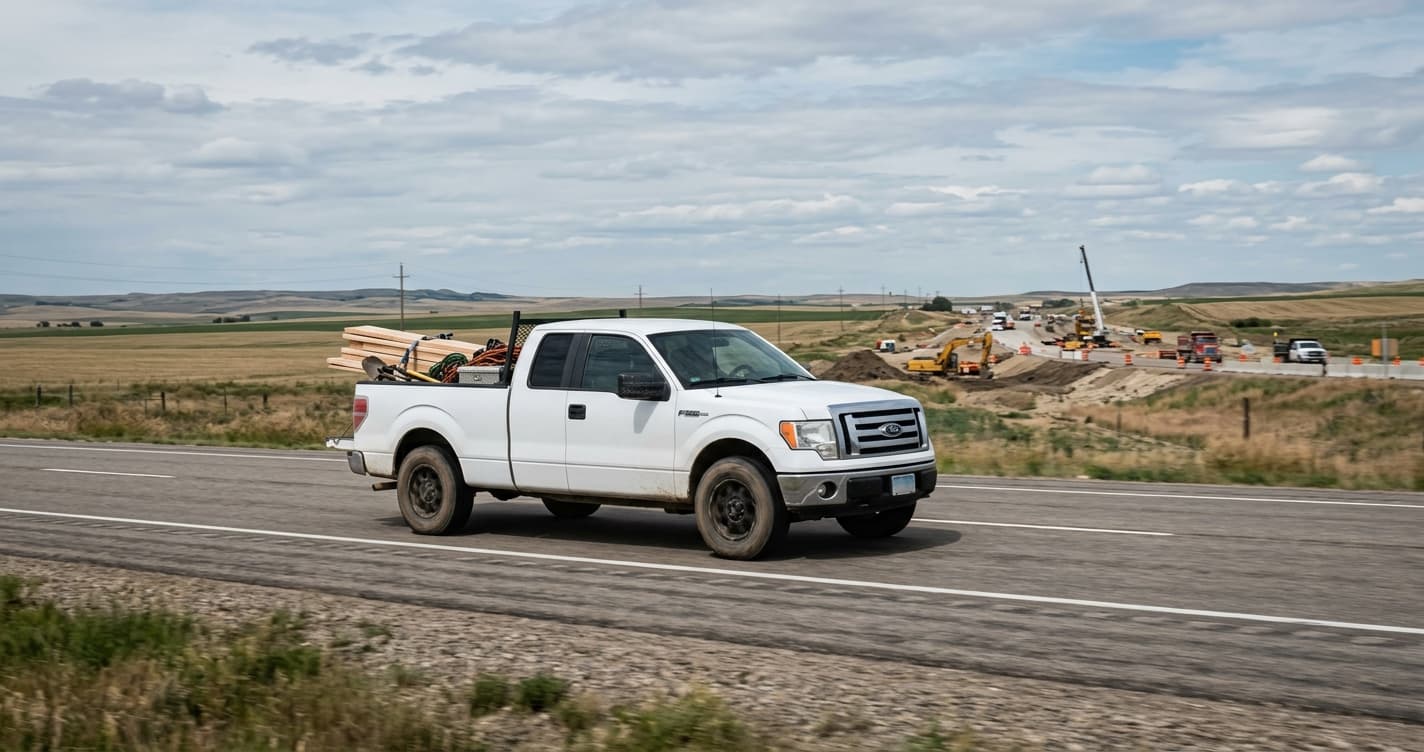
A worker does 8 hours of framing on site. Then drives an hour to the supply yard, picks up material, and drives an hour back. That's 10 hours on the clock. Two of those hours are travel.
Your payroll system doesn't know that. It sees 10 hours. It applies overtime to the last 2. You just paid time-and-a-half for two hours of driving that should have been straight time at a travel rate.
Multiply that by 15 workers, three days a week, 52 weeks a year. You're not talking about a rounding error. You're talking about tens of thousands of dollars in overpaid overtime that didn't need to exist.
This is the most expensive mistake in construction payroll that nobody is talking about.
The overtime math is working against you
Let's put real numbers on this. Say your average hourly rate is $35. A worker does 8 hours of on-site work and 2 hours of travel in the same day.
What should happen: 8 hours at $35 (regular) plus 2 hours at a travel rate, say $25. Total: $330.
What actually happens when everything is logged as regular hours: 8 hours at $35 plus 2 hours at $52.50 (time-and-a-half overtime). Total: $385.
That's $55 extra per worker, per day, for travel time that was never supposed to trigger overtime. If you have 10 workers doing this twice a week, that's $1,100 a week. Over $57,000 a year. And you're paying it because your time tracking system can't tell the difference between a guy swinging a hammer and a guy sitting in a truck.
The overtime threshold is based on actual work hours. Travel hours are compensable, yes, but they shouldn't be the hours that push someone past 8 in a day or 40 in a week when calculating overtime. If your system treats every logged hour the same, the math will always be wrong.
Which travel time is even compensable?
This is where it gets complicated, and where most companies just throw up their hands.
The general rule: a worker's normal commute from home to their first job site and from their last job site back home is not compensable. That's their commute. But everything in between counts.
- Home to Site A: not compensable (normal commute)
- Site A to Site B: compensable travel time
- Site B to the supply yard: compensable
- Supply yard back to Site B: compensable
- Site B to home: not compensable (normal commute)
Most construction companies know this rule. The problem is they have no consistent way to enforce it. The worker writes "travel" on their paper timesheet. Maybe they note the time, maybe they don't. The admin tries to piece together who drove where on Friday, and nobody can verify any of it after the fact.
You end up with one of two outcomes: you pay for all travel (including commutes you shouldn't be paying for) or you don't pay for travel that you legally should. Neither is good.
Travel time hits your payroll twice
The overtime problem is the big one, but there's a second payroll issue hiding behind it.
Travel time often carries a different pay rate than regular on-site work. Maybe it's a lower hourly rate, or maybe it's straight time while on-site work qualifies for a premium. The specifics depend on your agreements and your jurisdiction.
If all hours go to payroll as one category, you can't apply different rates. The payroll coordinator either pays everything at the full rate (overpaying for travel) or spends an hour manually splitting entries and reclassifying them. When travel hours trigger false overtime on top of being misclassified, you're compounding one error with another.
Your job costs are wrong too
Travel time doesn't just mess up payroll. It distorts your job costing.
If a worker spends 6 hours at Project A, 2 hours driving to a supply run, and 2 hours at Project B, but all 10 hours get logged to Project A, then Project A's labor cost looks 40% higher than it actually is. Project B's looks lower. And those 2 hours of travel aren't allocated anywhere useful.
When you go to bid the next similar project, your historical data says it took 10 hours of on-site labor per day. It didn't. It took 6. But your cost reports don't show that, because the data wasn't captured correctly. That's a meaningful gap when you're bidding work on tight margins.
How most companies deal with this today
Honestly? Most don't. Here's the typical approach.
Workers fill out paper timesheets or text the foreman their hours. If they remember, they write "travel" next to some entries. The foreman might initial it, might not.
On Friday, the office admin gets a pile of timesheets. Some say travel, some don't. The admin calls the foreman to ask which trips were compensable. The foreman is on a roof somewhere and doesn't pick up. The admin makes a best guess, enters everything as regular hours, and submits payroll.
The overtime triggers. The pay rates are wrong. The job costs are inflated. Next week, the whole process starts over.
How WorkxPro keeps travel time separate
In WorkxPro, workers don't log a single block of hours and hope someone sorts it out later. They split their shift into segments, and each segment gets tagged with three things: a job site, a cost code, and a pay type.
When a worker finishes on-site work and starts driving to the supply yard, they close their current segment and start a new one. The new segment gets tagged as "Travel" instead of "Regular." When they arrive at the next site, they close the travel segment and start a regular one.
Each segment carries its own time, location, and classification. At the end of the day, the admin sees a clean breakdown: 6 hours regular at Site A, 1.5 hours travel, 2.5 hours regular at Site B. No phone calls. No guessing. No manual reclassification.
And because travel segments are categorized separately from regular work, overtime calculates based on actual on-site hours only. Those travel hours don't push the worker past the overtime threshold incorrectly. The math is right from the start. Here's how overtime tracking handles the split between regular and overtime hours.
It flows straight into Payworks
This is where it saves the most time for whoever runs your payroll.
When approved timesheets get pushed from WorkxPro to Payworks, travel segments automatically carry the "Travel Time" earning description. Regular segments carry "Regular Pay." The payroll coordinator doesn't need to open each entry and reclassify anything. The categorization happened in the field, when the worker logged the time.
No manual splitting. No re-keying data. No Friday afternoon scramble to figure out which hours were travel and which were work. It's already done.
Stop overpaying for hours in a truck
Travel time is real labor cost. Your crews should be paid for it. But they should be paid correctly, at the right rate, without triggering overtime that shouldn't exist.
The fix isn't working harder at the end of the week. It's capturing the data correctly when the work happens. When a worker tags a segment as travel in the moment, payroll is right, job costs are right, and overtime is right.
Start your free 14-day trial at getworkxpro.com. No credit card required.