
Field Service Management Software for Small Business: A Buyer's Guide
The big platforms sell you tiers and demos you don't need. Here are the six jobs field service software has to do for a small shop, plus the expensive extras a 5-person crew can safely skip.
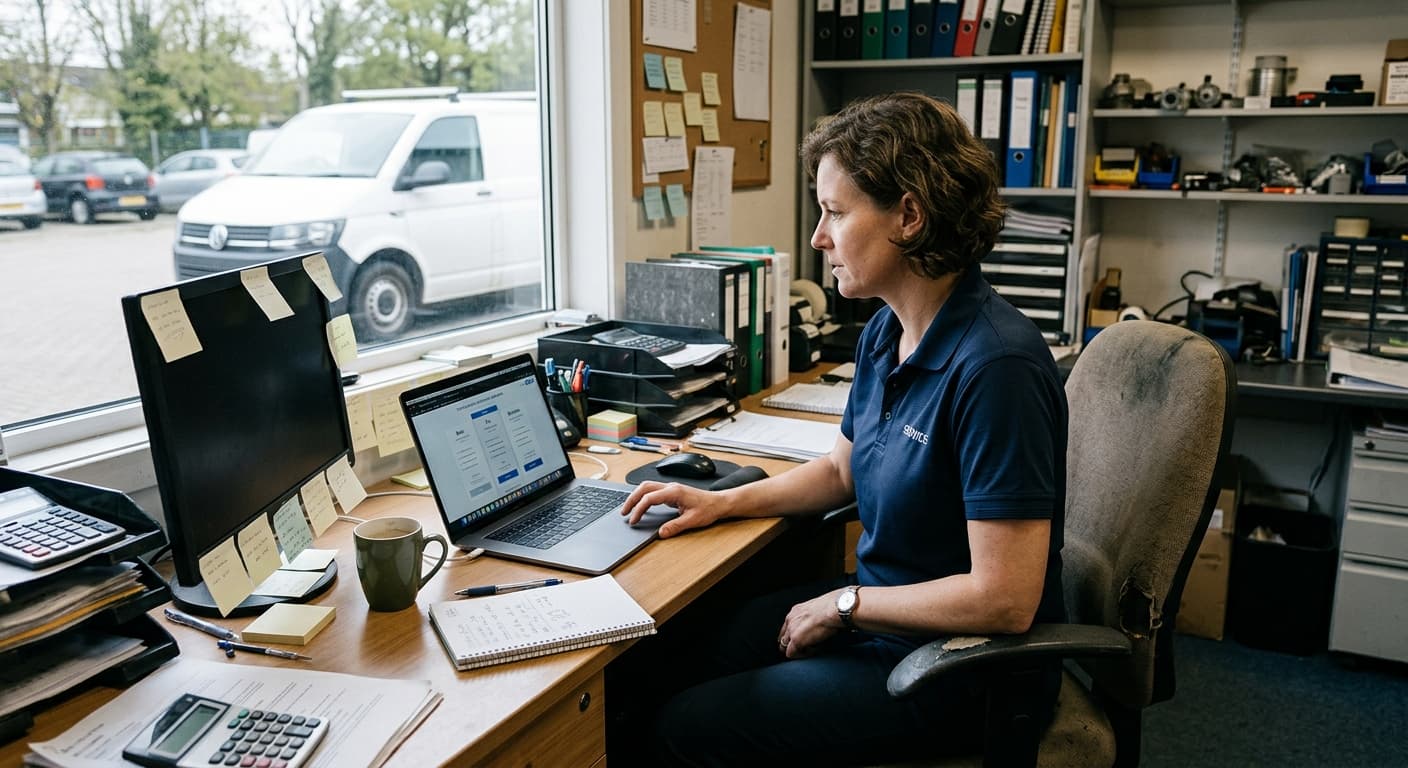
You booked one demo and now three sales reps are in your inbox
You run a 5-person HVAC shop, or a plumbing outfit, or a landscaping crew. You typed "field service management software" into Google, and now you're staring at pricing pages from Jobber, Housecall Pro, and ServiceTitan with four tiers each, add-ons stacked on add-ons, and a "book a demo" button where the price should be.
Every one of them tells you their software will change how you run your business. Maybe. But you don't have time to sit through a 45-minute call to find out what a user actually costs, and you sure don't have the budget for a platform built for a 200-truck operation.
Here's the thing nobody selling to you will say plainly: a small shop needs the software to do about six jobs. The rest is stuff the big platforms pile on to justify a bigger bill. Once you know the six, you can cut through the whole category in an afternoon.
The six jobs the software has to do
If a tool nails these six, your day gets quieter. If it misses even one, you're back to sticky notes and 6:45 AM phone calls.
1. Every request lands in one place. Calls, texts, the form on your website, the referral your buddy sent over. Right now they live in your phone, your voicemail, and a notepad on the truck seat. One of them is going to slip through, and it's usually the good one. You need a single list of "people who want work done" that you actually look at.
2. Quotes come off a price book, not a blank page. You shouldn't be retyping "supply and install 40-gallon tank" and guessing at the number every single time. Build the quote from your own saved prices, send it as a clean PDF with your logo on it, and stop losing jobs because the estimate took you three days to get out the door.
3. A dispatch calendar your crew reads on their phones. This is the one most shops get wrong. The schedule can't live on a whiteboard in the office or in your head. Your tech needs to open their phone in the morning and see exactly where they're going and what they're doing. No calls to you to confirm. No driving to last week's job because nobody told them it moved.
4. GPS-verified hours on the job. When a tech clocks in, you want to know they're actually at the address, not texting you "yeah I'm here" from the drive-thru. This isn't about not trusting your people. It's about not guessing when you run payroll, and having a clear record when a customer questions the bill.
5. Clients get updated automatically. "Your tech is on the way." "Your appointment is confirmed." "We had to move you to Thursday." Sending those by hand is a part-time job you don't have time for. The software should fire them off under your business's name the second your tech taps a button, so customers stop calling to ask where you are.
6. The invoice builds itself from the finished job. The work is done. The hours, the notes, the photos are all attached. You should not be sitting at the kitchen table at 9 PM retyping all of it into an invoice. The bill should come straight from the job, ready to send.
That's it. Requests in, quote out, job on the calendar, hours tracked, client kept in the loop, invoice out the door. Six jobs. Any software that does these well is a good fit for a small shop.
The expensive stuff you can skip
Here's where the big platforms get you. Their higher tiers are packed with tools built for companies ten times your size, and you're paying for all of it whether you touch it or not.
Call-center tooling. Phone trees, call recording, agent dashboards, "advanced call routing." You are the call center. You answer the phone. Skip it.
Full marketing suites. Email blast builders, review-request automation, postcard campaigns, lead-tracking funnels. Some of this is genuinely useful for a big operation with a marketing person. You are not that operation. A referral and a solid reputation are doing more for you than a drip campaign will.
Membership and recurring-billing engines. Service agreements, auto-renewing maintenance plans, complex subscription billing. Great once you have hundreds of customers on plans. Dead weight when you have twelve.
Months-long implementation. If onboarding involves a dedicated "success manager," a data-migration project, and a training schedule, that's a sign the tool is too heavy for you. You should be quoting jobs by the end of the week, not the end of the quarter.
None of this means the big platforms are bad. They're ahead on things like taking online payments and consumer financing, and if you get to 30 trucks, that muscle matters. At five people, you're paying for a gym membership to lift a grocery bag.
Where WorkxPro fits
We built WorkxPro for exactly this shop. The pricing is per user, no base fee, no tier games: $8/user/mo for GPS time tracking, $14/user/mo to add scheduling and the full crew toolkit, and $22/user/mo on the Business tier, which runs the whole pipeline from request to invoice.
That Business tier does all six jobs above. A request comes in and lands in one list. You build a quote off your price book and send it as a branded PDF. The customer says yes, and it becomes a scheduled job. Your tech opens their phone, sees the day, and taps "on my way," which emails the customer automatically under your business's name. They clock in with GPS on-site, photos and notes attach to the job, and the invoice builds from the finished work with nothing retyped.
To be straight with you: WorkxPro does client updates by email, not text, and we don't do online payments or financing. If those are deal-breakers, the big platforms have them. If you mostly need the six jobs done without the bloat, that's us.
Want the full picture, see WorkxPro for field service. Weighing us against the obvious name, here's WorkxPro vs Jobber laid out plainly.
Try it before you commit to anything
You can start a 14-day free trial at getworkxpro.com. No credit card, no demo call, no sales rep in your inbox for the next three weeks. Set up your price book, put a job on the calendar, and see if your mornings get quieter. If they don't, you've lost nothing but an afternoon.