
How to Dispatch Service Technicians Without the Group Text
Running your day from a call log, a group text, and a whiteboard is how techs get double-booked and jobs vanish. Here's what dispatching actually means for a small shop, and what a working day looks like with a real dispatch board.
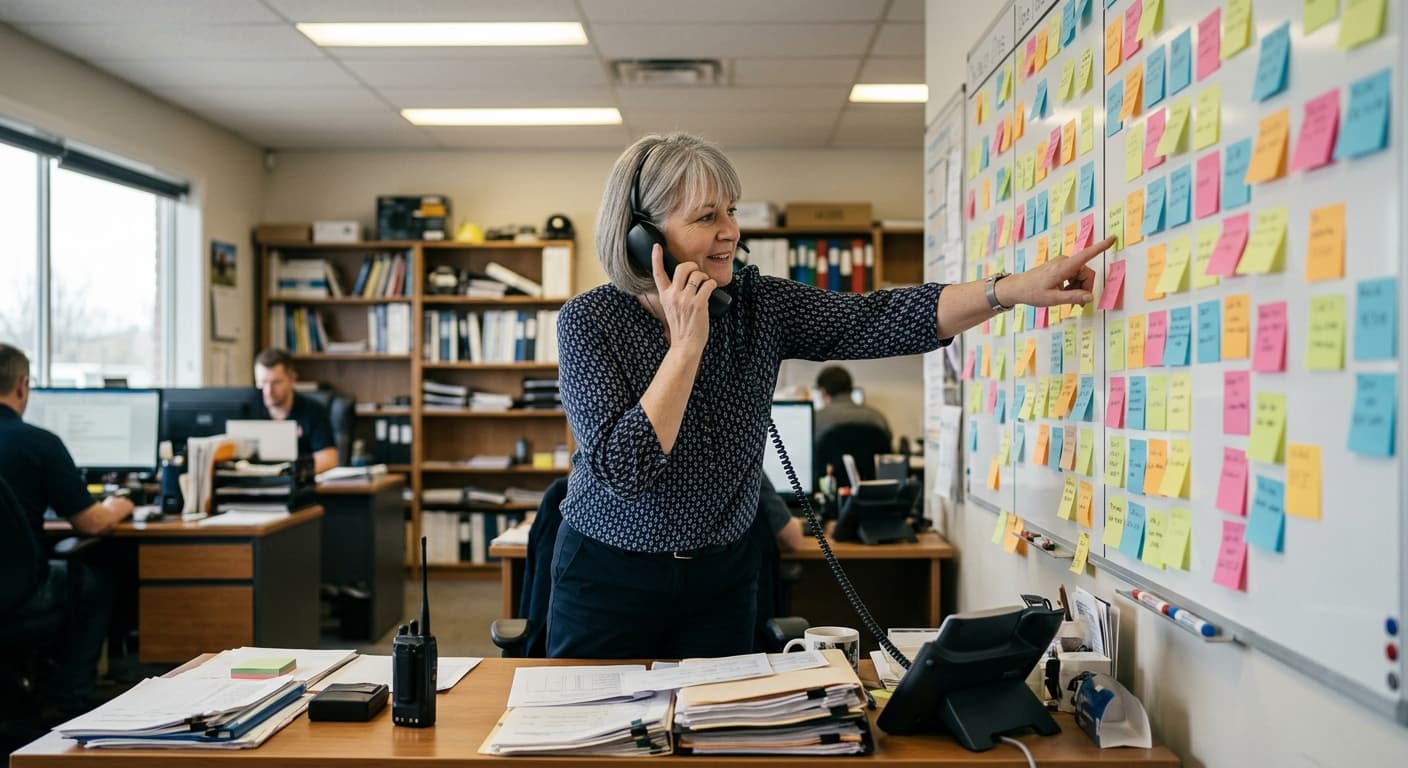
Your dispatch system is a group text, and it's costing you jobs
If you run a small HVAC, plumbing, electrical, landscaping, appliance repair, or pest control shop, you already dispatch every single day. You just don't call it that. You call it "sorting out who's going where," and you do it from a whiteboard, a call log, and a group text thread that's three days deep by Tuesday.
It works when it's slow. Then you get busy, and the cracks show up fast.
Two techs get sent to the same job because someone missed a reply. A callback gets mentioned in the thread at 7am and forgotten by 9. A customer calls the office asking when someone's coming, and nobody in the office actually knows. You call the tech to find out. He doesn't pick up because he's under a sink. Now you're guessing, and the customer can hear you guessing.
None of this is a people problem. Your techs are good. The problem is that a text thread was never built to run a schedule. It has no memory, no map, and no way to tell you what's actually happening right now.
What dispatching actually is for a small shop
Forget the enterprise fleet stuff. You don't need route optimization software built for 400 trucks. For a 2 to 20 tech shop, dispatching is three plain things:
- Deciding who does what, and in what order, today.
- Making sure every tech knows their day without you having to tell them one job at a time.
- Knowing where jobs stand right now, so you can answer the phone and reschedule without a panic.
That's it. When those three things live in your head and a group text, every busy day turns into a scramble. When they live on a real dispatch board, the day mostly runs itself.
The failure modes of text-thread dispatch
You already know these. Here they are named, because naming them makes them easier to kill:
- Double-booked techs. Two jobs, one tech, because the schedule lives in a place that can't warn you about a conflict.
- Jobs that vanish. A request comes in by phone or text, gets a "yeah I'll handle it," and disappears. No record, no follow-up, no invoice.
- The "where are you?" call. You interrupt a tech mid-job to find out something the system should already tell you.
- Customers in the dark. They don't know if you're coming at 9 or 2, so they call. Every one of those calls is your office doing work the schedule should have done automatically.
Each one is small. Stacked across a busy week, they're the reason the office feels like it's on fire and jobs still slip.
What a working day looks like with a real dispatch board
Here's the same day, run off a dispatch board instead of a thread.
Morning: you review the board, not your texts. Every job for the day is already on a calendar, assigned to a tech, in order. You glance at it, move two things around, and you're done. No retyping the day into a group text. The schedule is the source of truth, and everyone reads from the same one.
Techs see their own day on their phones. No one texts you "what've I got today?" They open the app and see their jobs in order, with the address, the customer, and the notes from the last visit. WorkxPro works offline too, so a tech heading into a basement or a rural property with no signal still has their whole day in hand. It syncs when they're back in range.
Tech taps "on my way," and the customer gets told automatically. This is the one that quietly kills a huge chunk of your inbound calls. When a tech hits "on my way," the customer gets an email under your business name letting them know someone's headed over. You didn't send it. Your office didn't send it. The customer stops calling to ask, because you told them first. Booking confirmations and reschedule notices go out the same way, automatically.
GPS clock-in ties the work to the job. The tech clocks in on site, and it's GPS-verified against the job location. You're not tracking his truck around town. You're confirming he's on the job, when the work started, and that the hours land on the right customer for accurate costing later. Photos and notes he takes attach straight to the job.
The office watches progress live. A dashboard shows who's clocked in and where, in real time. When a customer calls, you don't guess and you don't interrupt a tech. You look at the board and answer. That's the whole difference.
Reschedules drag on the calendar and notify everyone. A job runs long, an emergency call jumps the line, a customer pushes to tomorrow. You drag the job to a new slot. The tech's phone updates. The customer gets a reschedule notice. One action, everyone informed, nothing dropped.
Building the day so it holds up
A dispatch board only helps if the day you build into it is realistic. A few habits:
Sanity-check the geography. You don't need routing software to notice you've sent one tech across town and back twice. When the day is laid out visually on a calendar, you can see the obvious backtracking and fix it before anyone drives it. Group nearby jobs. Keep a tech in one area when you can.
Leave buffer time. The fastest way to blow up a schedule is to book jobs back to back with zero slack. A 30-minute job isn't a 30-minute slot once you count parking, the walk-through, and the guy who wants to chat. Pad it. A schedule that assumes everything goes perfectly is a schedule that's wrong by 10am.
Let recurring visits build themselves. If you do quarterly pest treatments, monthly maintenance, or seasonal landscaping, you should not be re-entering those by hand. Set the recurrence once and the visits show up on the board on their own, already assigned, ready to dispatch. That's a standing block of your schedule you never have to think about again.
From "where is everybody" to a day that runs itself
The goal isn't a fancier system. It's a quieter office. Fewer "where are you?" calls to your techs. Fewer "when are you coming?" calls from customers. No more jobs falling out of a text thread. You look at one board, you know what's happening, and you can move things without breaking the day.
WorkxPro runs the whole thing on one line, from the request to the quote to the scheduled job to the invoice built off the finished work. The dispatch calendar, the "on my way" emails, the GPS clock-in, and the live dashboard are the part that ends the daily scramble. See how it fits your shop on the field service page.
Try it free for 14 days. No credit card required. Start at getworkxpro.com.