
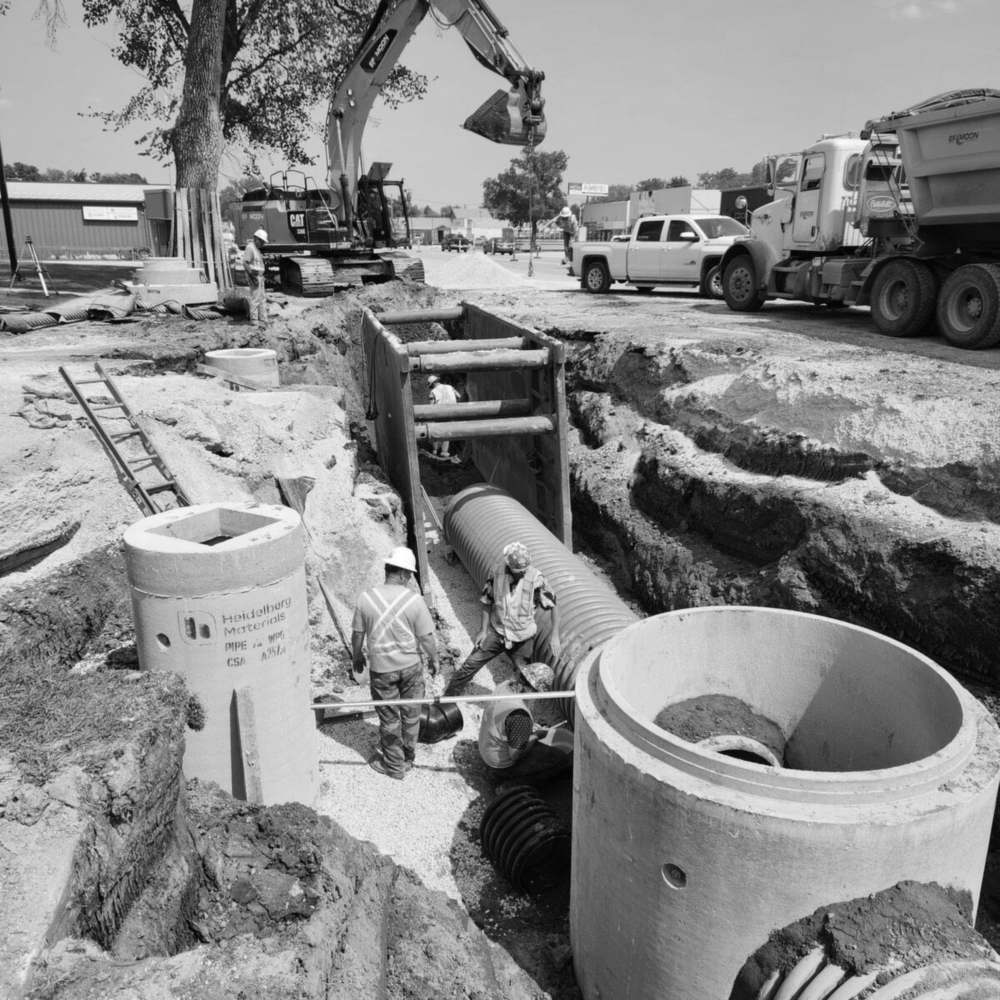
Post the open shift. The crew fills it.
- Publish a shift with no name on it, every worker gets a push
- Workers claim it from their phone, first come, first served
- Double-bookings blocked, approvals when you want the final say
An empty slot shouldn't mean an evening of phone calls.
One sick call eats your whole morning
You work down the contact list one call at a time, leaving voicemails and waiting on texts, while the site runs short-handed.
The fill-in you pick is already booked
You assign whoever comes to mind first and find out at 7 AM that they were due on another site. Now you have two holes instead of one.
Coverage lives in a text thread
The offer, the yes, and the swap are buried in group texts. When payroll or a dispute comes up, there is no record of who took what.
Work up for grabs, right on their phone
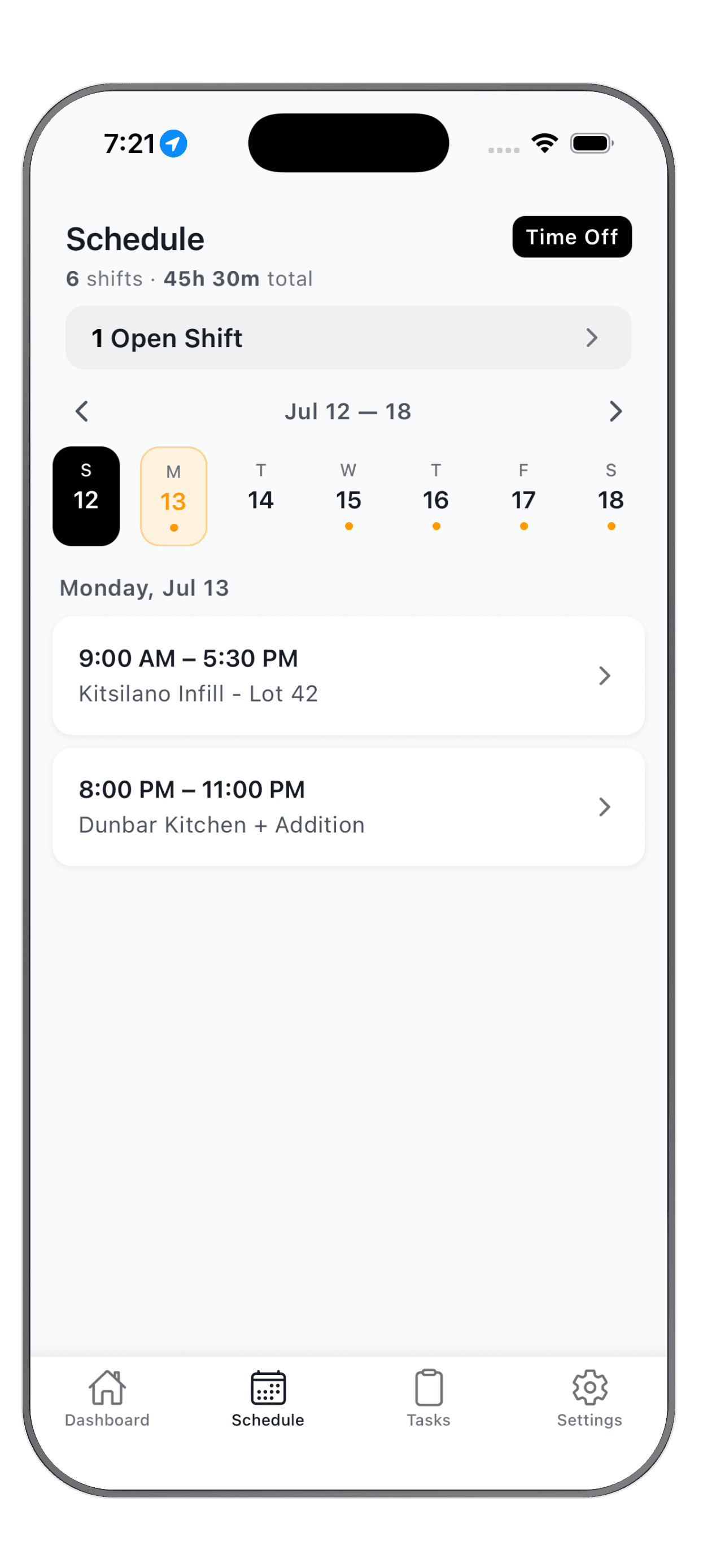
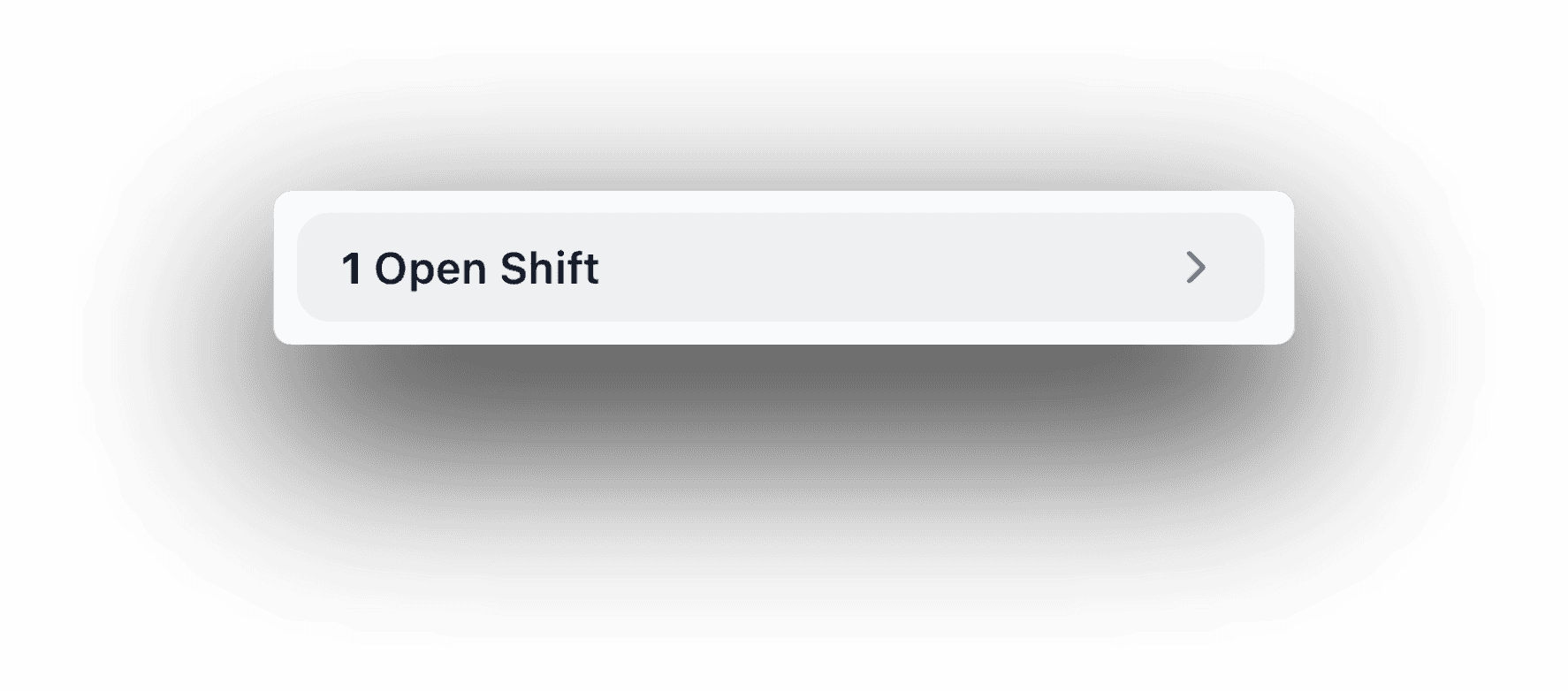
Open shifts show up at the top of the schedule workers already check, right next to their own week. Tap the banner to see what's up for grabs, day by day, and one tap claims it. Anything that clashes with a shift they already have is flagged and can't be claimed, so nobody ends up in two places at once.
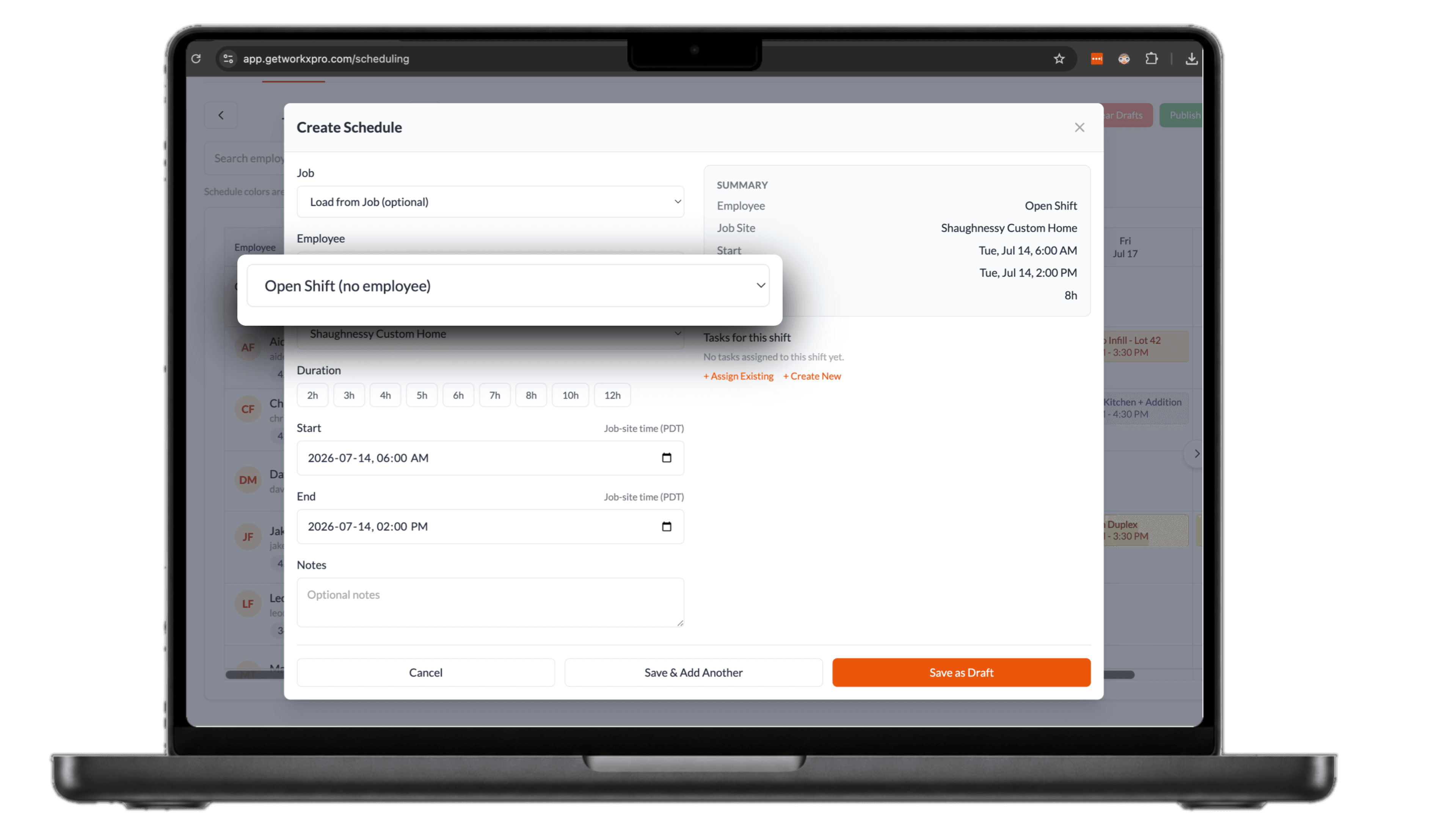
Post coverage from the schedule you already use
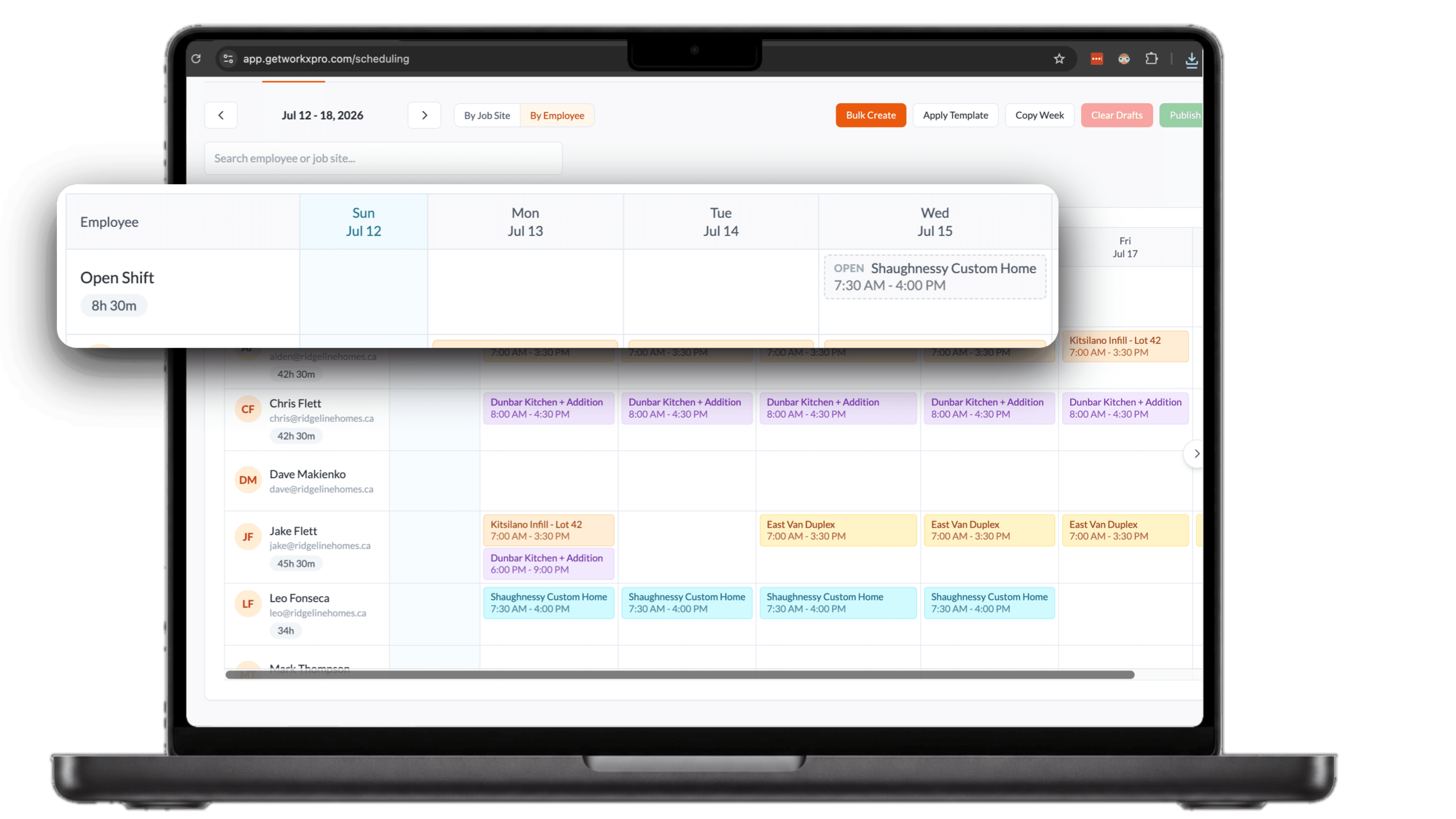
An open shift is a normal shift without a name on it. Pick the job site and times, choose Open Shift instead of an employee, and publish. It sits on the Unassigned row of your grid until it's claimed.

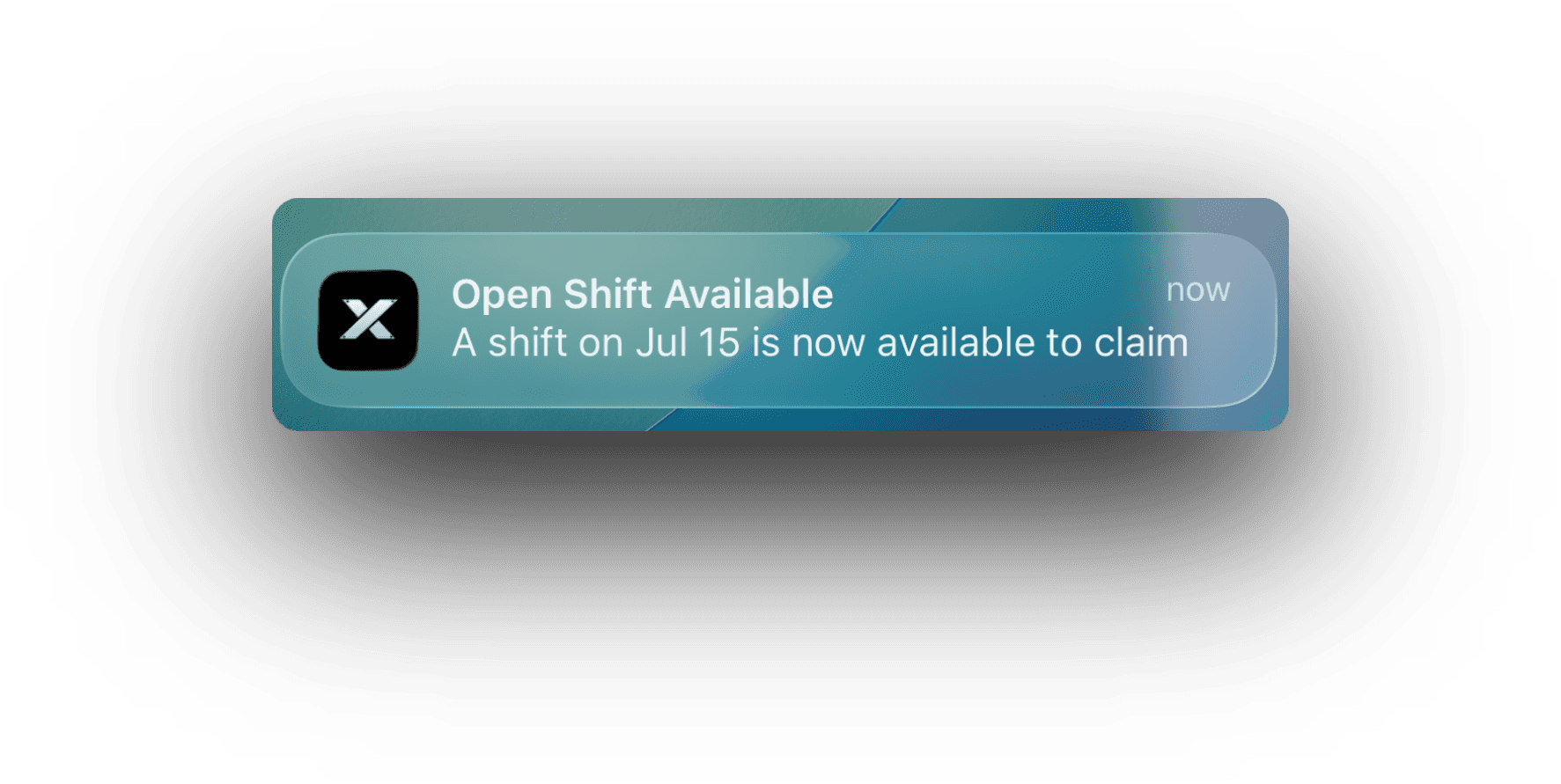
The whole crew hears about it at once
The moment a shift opens up, every worker's phone gets a push that it's available to claim. No group text, no calling down the roster. You choose how it fills from there: keep claims in a review queue until you approve them, or let the shift go to whoever taps first. Every release and claim is on record.
See how WorkxPro fits the way you work.
Construction Companies
Track hours across job sites and cost codes
Learn more →
Cleaning Companies
GPS-verified hours at every client building
Learn more →
Field Service Businesses
Quotes, scheduling, and invoicing in one app
Learn more →
Foremen & Supervisors
Approve hours and watch crews from your phone
Learn more →
Payroll Admins
Clean digital timesheets straight to payroll
Learn more →