

Time off, out of your text messages.
- Workers request time off right from the app
- Approve or deny with a reason, one or a whole batch
- Everyone gets notified, so nobody is left waiting
Time off shouldn't live in a text thread.
Approved in a text, three weeks ago
The request lives in somebody’s messages. Nobody remembers it when the schedule gets built, and on Monday the crew is two people short.
Double-booked without knowing
You schedule someone who already asked off, because the approval was never written down anywhere you would actually see it.
No record when it counts
Who asked first, what got approved, who has taken how many days. Without a system it is all memory and screenshots.
Workers request time off from their phone
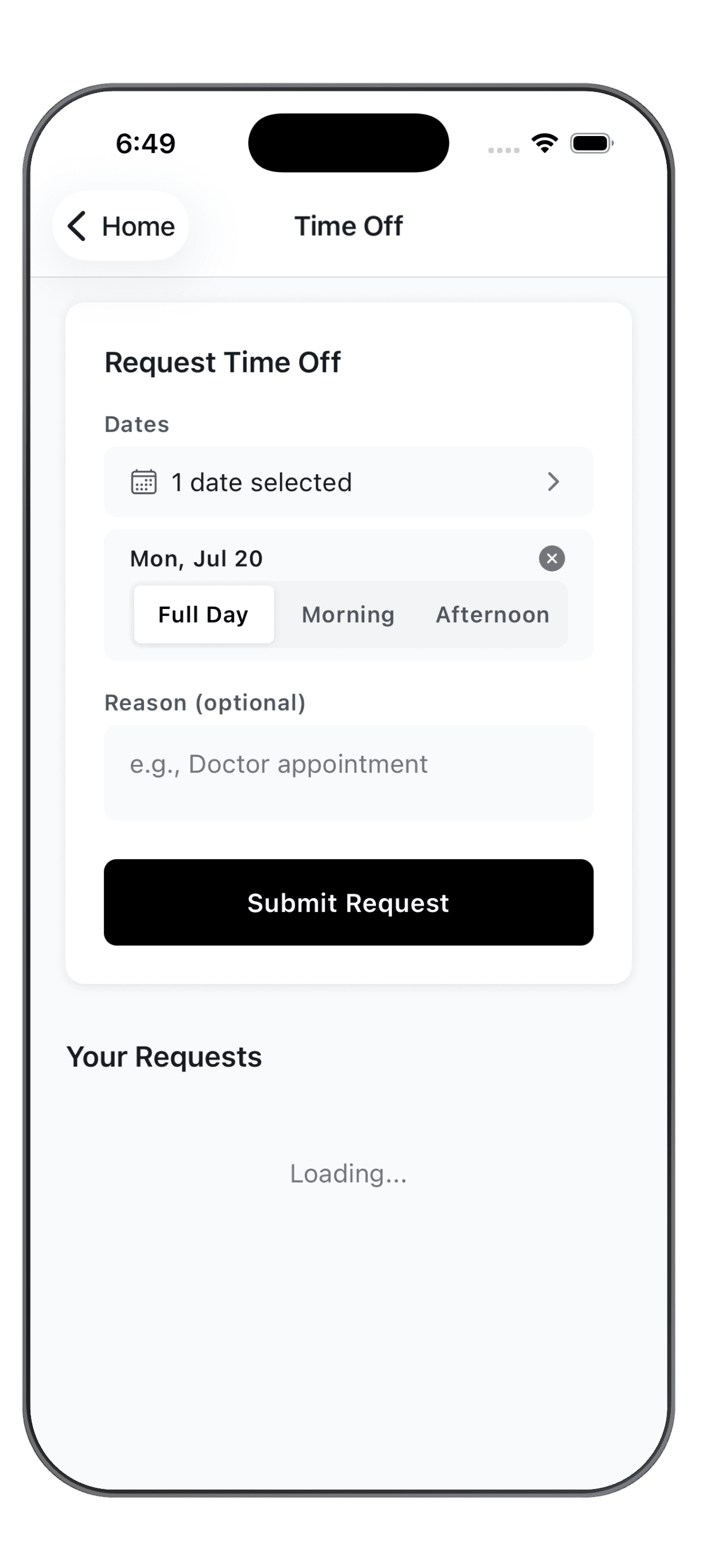
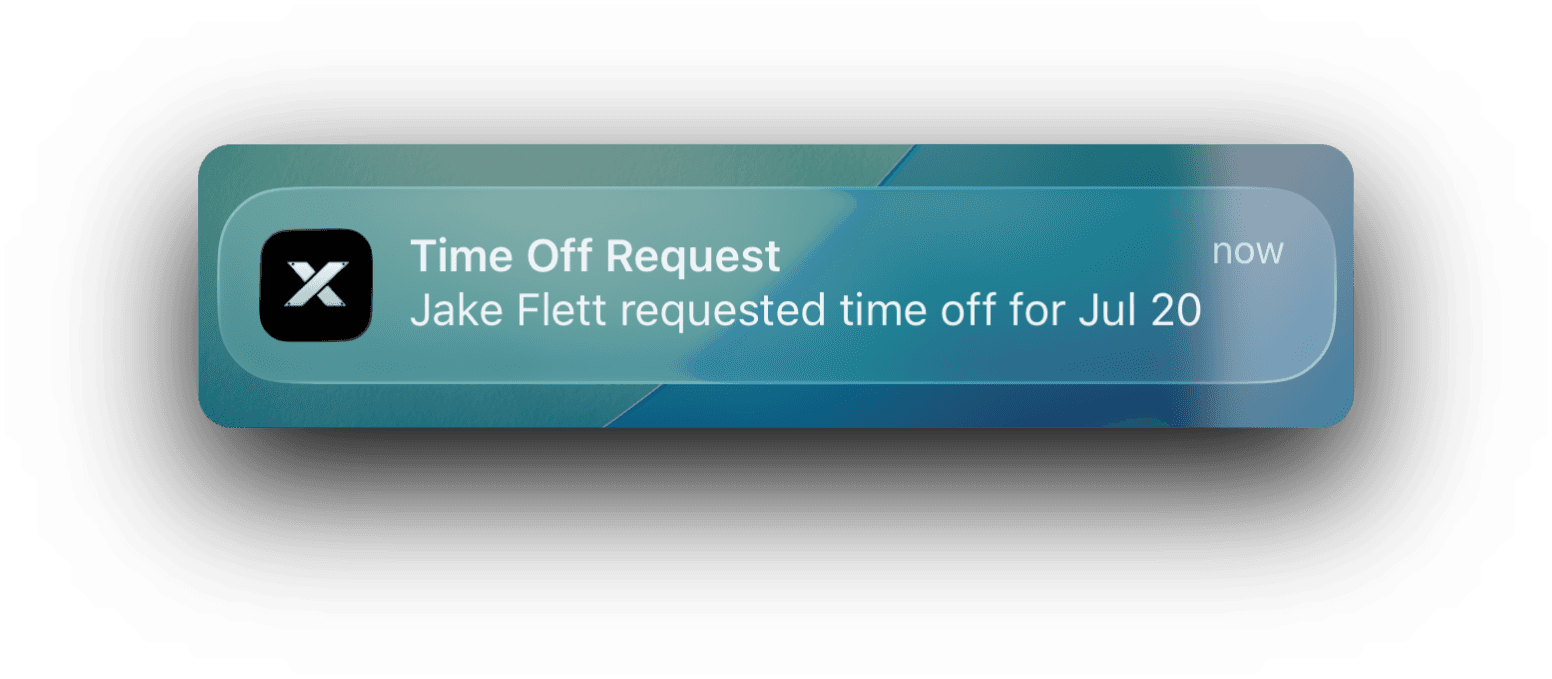
Pick the dates, choose a full day or part of the day, add a reason if they want to, and submit. The request goes straight to you instead of getting buried in a group chat, and a heads-up hits your phone the moment it lands.

Approve or deny, right from the dashboard
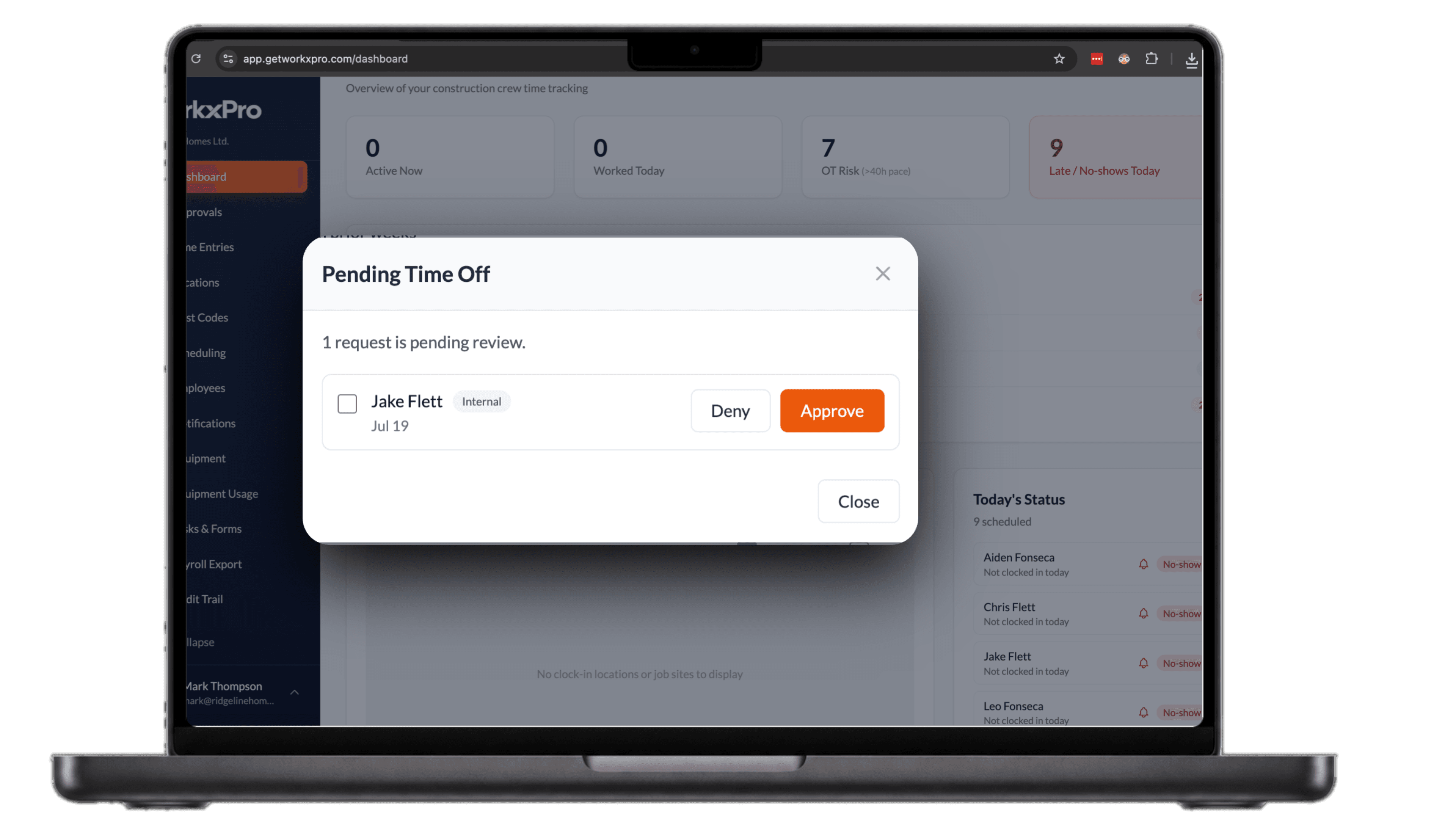
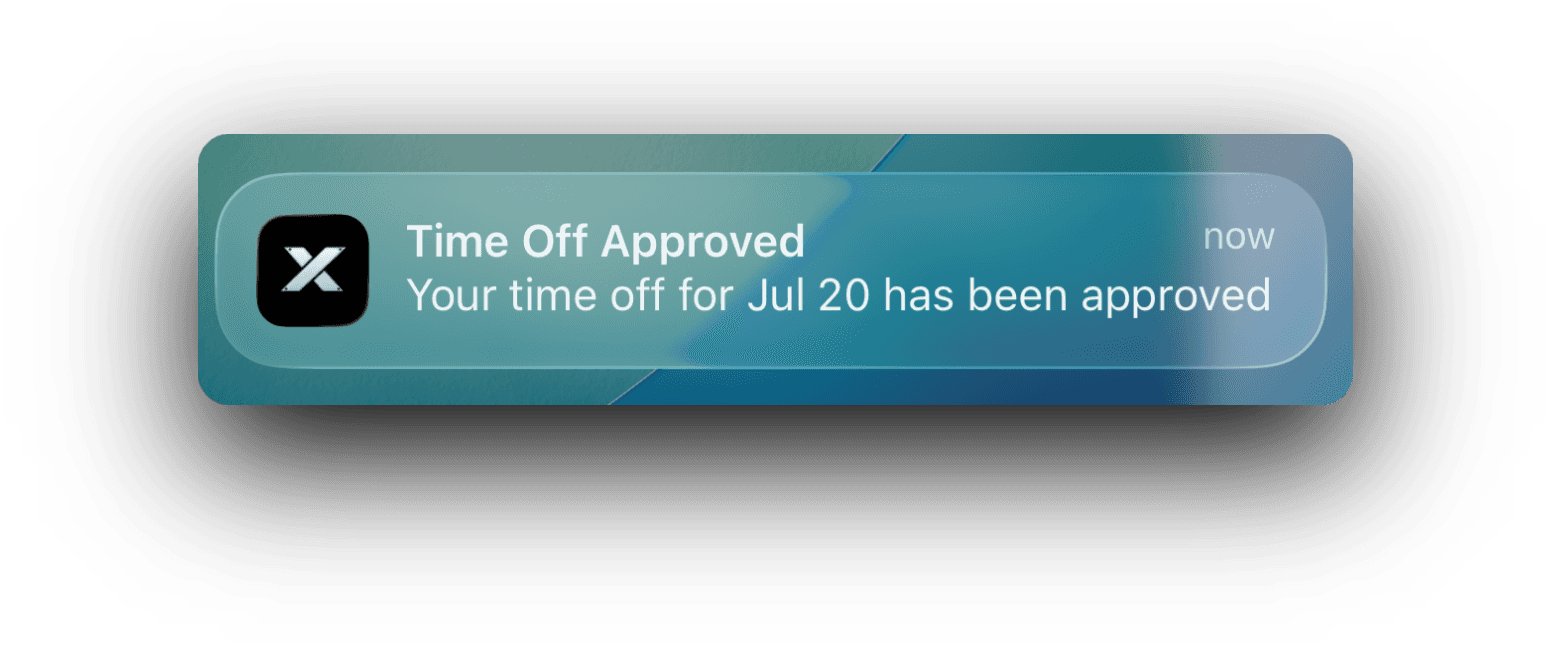
Pending requests are right there on your dashboard the moment they come in. Approve or deny in a tap, one at a time or a whole batch, and the worker gets the answer on their phone right away.
Get time off out of your text messages
14-day free trial. No credit card required.
See how WorkxPro fits the way you work.
Construction Companies
Track hours across job sites and cost codes
Learn more →
Cleaning Companies
GPS-verified hours at every client building
Learn more →
Field Service Businesses
Quotes, scheduling, and invoicing in one app
Learn more →
Foremen & Supervisors
Approve hours and watch crews from your phone
Learn more →
Payroll Admins
Clean digital timesheets straight to payroll
Learn more →